Mask and Multipass Toolbox
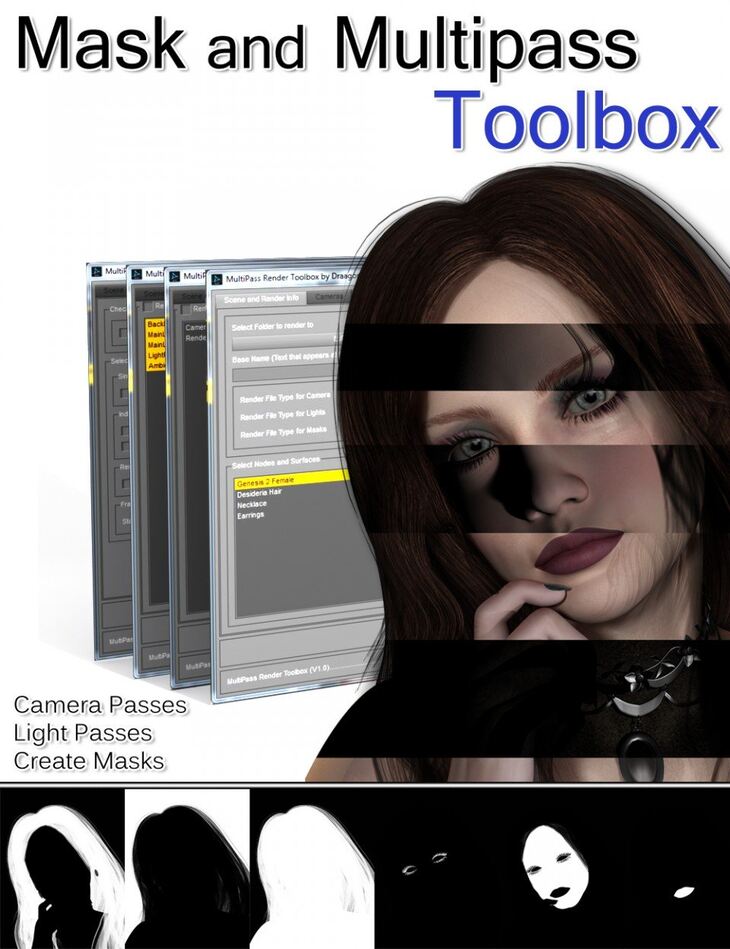
DraagonStorm released Mask and Multipass Toolbox on Daz 3D. The download holds 3 items, among them Mask and Multipass Toolbox: DAZ Script (.DSE), 4 Resource Scripts (.DSA), User’s Guide (.PDF).
Do a lot of postwork? Want to do more postwork instead of re-renders? This toolbox is a must have script to prepare your renders for postwork. Create Masks and do Multipass renders with lights and cameras. NODES AND SURFACES MASKS Select the types of masks you want to create. The whole node, selected surfaces, individual surfaces, Animated Series, etc. This toolbox can also create masks for LAMH and the Furify shaders, There is a work around for Garibaldi discussed in the User’s Guide. By default (except for LAMH and Furify) the masks are created using OpenGL. If your surfaces use displacement, or anything else that does not come across with OpenGL, you will be able to override to 3Delight rendering. MULTIPASS Select from a list of the lights in your scene to make individual renders of each light (includes a render pass of no lights for Ambient and reflection)
What’s included
- Mask and Multipass Toolbox: DAZ Script (.DSE)
- 4 Resource Scripts (.DSA)
- User’s Guide (.PDF)
Specifications
- Source: Daz 3D
- Software / install: Daz Connect DIM Manual Install
- SKU: 20917
- Artist: DraagonStorm
It is available through 2 mirrors. Registration is free and takes a moment.