Mastering the Fundamentals of Iray Lighting and Rendering
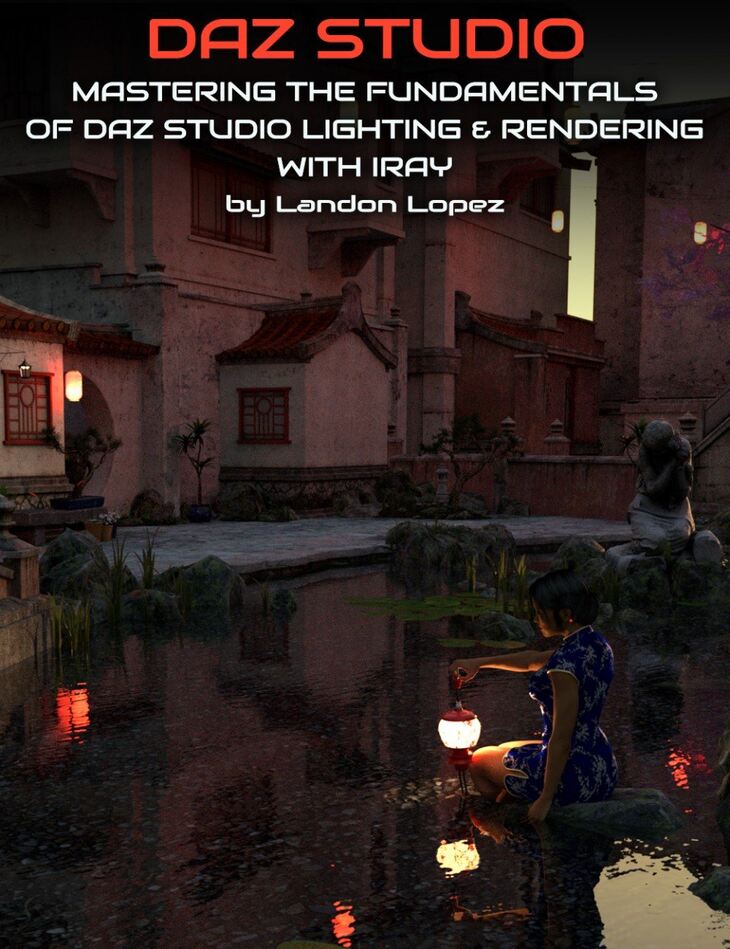
From Cgan Digital Art Live LayLo 3D comes Mastering the Fundamentals of Iray Lighting and Rendering, a tutorial available on Daz 3D. Inside the archive you get 59 items, including Contents: Basic Lighting Bonus Video (View First), 00:00:00 Introduction, 00:00:43 Intro for Basic Light Controls.
You’ve finally achieved the perfect scene in Daz Studio only to discover that it’s not rendering the way you thought it would, or should. Why is everything so dark? Why are the shadows going in the wrong direction? Wonder no more! Landon Lopez, aka LayLo 3D, will demonstrate to you multiple ways of lighting your scene… Professional Three-Point Lighting, HDRI Lighting, Sky-Dome Lighting as well as producing light by using objects with emissive shaders. Three-Point Lighting Professional visual media such as theatre, video, film and still photography use a basic system known as three-point lighting and now you’ll understand it too. Know the purpose of the key, fill and back lights, what they’re all supposed to do, and how they work to complement each other. What intensities of light should you start with? How to create and save this set-up in Daz Studio. HDR Lighting HDRI stands for High Dynamic Range Image, which uses a composited image of different exposure values and stores a wider range of colors and levels of brightness. Find out the advantages and uses of these unique images, where to find free HDR images and how to use them in your scene. (By-the-way, did you know that most smart phones will take a HDR image?) Landon Lopez (LayLo_3D) takes you through Mastering the three basic lighting techniques in Daz Studio and then on to rendering your scene with your lighting. It clearly demonstrates and explains what lights are available, what the setting parameters do, and how to best use them. He then goes on to cover the Render Settings, Rendering Canvases (which can be used to tweak your lighting inside a graphic program such as Photoshop or Nuke) without the need to re-render your scene, as well as nVidia Draw Style. What’s Included: This Tutorial also includes a Bonus Video on the basic lights available within Daz Studio. Bonus Video (should be viewed first), running time: 15 minutes Tutorial Running Time: 127 minutes Both videos are fully indexed allowing you to jump to key points within the video and include a PDF of the same index allowing you to keep notes of relevant time codes for your own reference. A PDF Reference of sources for Latitude/Longitude and UTC; Free HDR Images; IES Profiles (mathematical expressions of real-life lights) used within the Webinar; Additional IES Profiles. Three-Point Lighting Professional visual media such as theatre, video, film and still photography use a basic system known as three-point lighting and now you’ll understand it too. Know the purpose of the key, fill and back lights, what they’re all supposed to do, and how they work to complement each other. What intensities of light should you start with? How to create and save this set-up in Daz Studio. HDR Lighting HDRI stands for High Dynamic Range Image, which uses a composited image of different exposure values and stores a wider range of colors and levels of brightness. Find out the advantages and uses of these unique images, where to find free HDR images and how to use them in your scene. (By-the-way, did you know that most smart phones will take a HDR image?) Sky-Dome Lighting Daz Studio comes with a Sky-Dome. Learn how to use it effectively and efficiently to enhance your scene, when to use it, and how to tweak it for just the right look. Once you understand these different lighting techniques we’ll take it one step further and discuss using them in different combinations. Render Canvases NVIDIA Iray: Light Path Expressions (LPEs) is an extremely powerful feature included with the render engine. Daz Studio implements this functionality with “Render Canvases.” LayLo will touch on how to use them to reduce time spent rendering and efficiently tweak the lighting in your scene without having to re-render! Light Path Expressions allow you to take advantage of modern compositing workflows by being able to isolate any light contribution in your scene, and even on a per object basis, which gives you full creative control in post produ
What’s included
- Contents: Basic Lighting Bonus Video (View First)
- 00:00:00 Introduction
- 00:00:43 Intro for Basic Light Controls
- 00:00:55 Distant Light
- 00:02:04 Inverse Square Law
- 00:03:26 Color Temperature Chart
- 00:04:09 Spotlight
- 00:11:14 Point Light
- 00:12:15 Point Light and Lighting Profiles
- 00:13:48 Linear Point Lights
- 00:15:15 Links and End Credits
- Mastering the Fundamentals of Iray Lighting and Rendering 00:00:00 Intro
- 00:00:47 Three-Point Lighting
- 00:02:00 1st Q&A
- 00:05:35 Looking through the Light to Aim it at your Subject
- 00:06:12 Using the “Aiming” feature to look at a Subject
- 00:08:51 Key Light Render only
- 00:13:21 Key and Fill Light Render only
- 00:13:31 Key, Fill and Rim (Backlight) Light Render all together
- 00:17:06 2nd Q&A
- 00:19:40 Rendering with Scene Lights only
- 00:19:55 Scene Only in Environment Settings
- 00:21:19 Headlamp on the Camera
- 00:23:04 Recommended Workflow for Lighting a Scene
- 00:25:03 Parenting Lights and Camera to your Subject
- 00:25:06 Duplicating you Lights and Properties
- 00:26:45 Why you Would Want to Unparent your Lights
- 00:27:48 Preview Lighting
- 00:28:12 Toggle Scene Lighting
- 00:29:07 Saving Lighting Setups and Where to Find Them
- 00:31:19 3rd Q&A
- 00:32:13 Another Way to Aim Your Lights
- 00:33:56 Emissive Lighting
- 00:34:18 Trick to Hiding Many Items
- 00:41:03 Subsurface Scattering and Translucency Comparison
- 00:52:27 4th Q&A
- 00:53:11 Sky-Dome Lighting
- 00:55:58 Create a Camera to Aim (Position) the Sun
- 01:04:23 Using the Haze Filter
- 01:05:58 5th Q&A
- 01:09:12 Positioning the Ground
- 01:10:36 HDRI (High Dynamic Range Image) Lighting
- 01:14:08 6th Q&A
- 01:17:36 Keeping a Render Window Open to Reduce Subsequent Render Times
- 01:21:47 Render Settings
- 01:23:55 Render Filters
- 01:25:00 Tone Mapping
- 01:25:39 7th Q&A
- 01:27:45 Using Render Canvases
- 01:28:56 Render Canvas Example in Photoshop
- 01:30:14 Setting Up Daz Studio
- 01:34:18 Setting Up the Canvases
- 01:42:15 Adjustments In Photoshop
- 01:46:26 Converting to 16 bit Image to save out from Photoshop
- 01:48:30 Final Q&A
- 01:55:07 Using nVidia Draw Style
- 02:00:07 Where to find More Information on Render Canvases
- 02:06:51 Hotlinks and End Credits
- PDF Document: Resources for Long/Lat UTC, IES and Free HDR Images
Specifications
- Source: Daz 3D
- Software / install: Daz Connect DIM Manual Install
- SKU: 47887
- Artist: Cgan Digital Art Live LayLo 3D
It is available through 2 mirrors. Registration is free and takes a moment.