MF Content Bookmarks
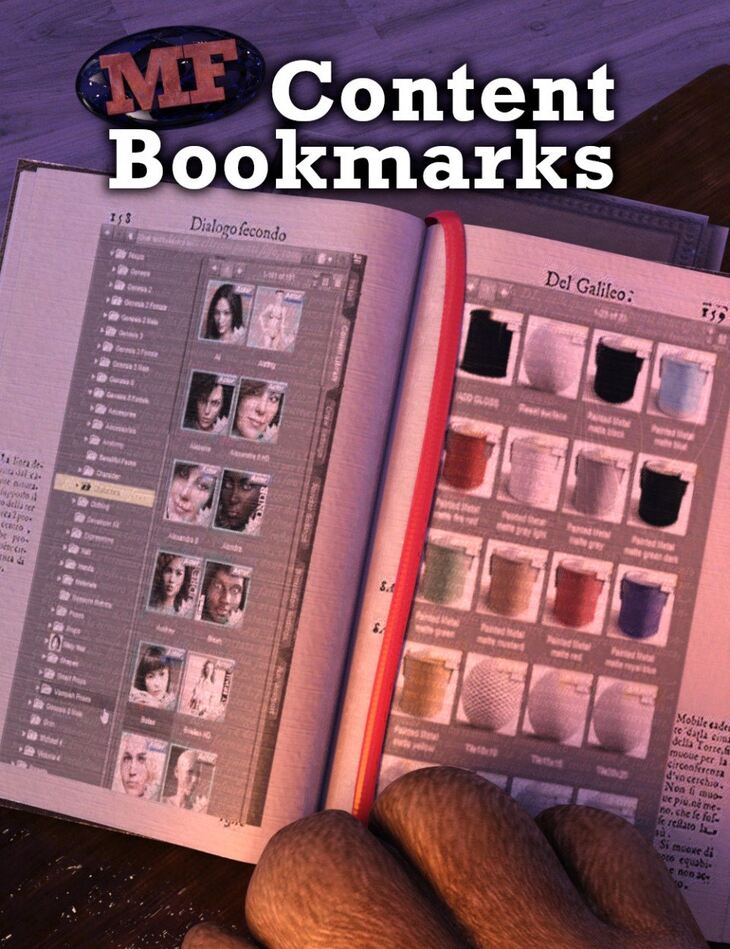
MF Content Bookmarks is a tool created by ManFriday and published on Daz 3D. The package ships 6 files, starting with Bookmarks menu in Daz Studio main menu bar “Bookmark current selection” action, “Edit bookmarks…” action, Can bookmark Daz Studio formats, Poser formats, categories and products.
Do you still use the Content Library pane a lot? Do you find that you often have to repeat the same five or six clicks to get to the two or three folders you use often? Wouldn’t it be nice to have bookmarks for your content folders like your web browser has them?
This plugin for Daz Studio provides them! Select a folder many levels deep in your Content Library, select “Boomark current selection” in the new “Bookmarks” menu, and you have a new menu item there that will take you there in only one click from now on.
Works for folders under “Daz Studio formats”, “Poser formats”, “Categories” and “Products.”
Please note: This product is for Windows PC only.
Product is not currently compatible with content installed through Daz Connect.
What’s included
- Bookmarks menu in Daz Studio main menu bar “Bookmark current selection” action
- “Edit bookmarks…” action
- Can bookmark Daz Studio formats, Poser formats, categories and products
- In bookmarks editor window: Remove bookmark
- Move bookmark up or down
- Complete user guide (.PDF)
Specifications
- Source: Daz 3D
- Software / install: DIM Manual Install
- SKU: 60507
- Artist: ManFriday
Download links for 6 mirrors are listed below.