City Photo Mania – Destroy Photos With DAZ Studio
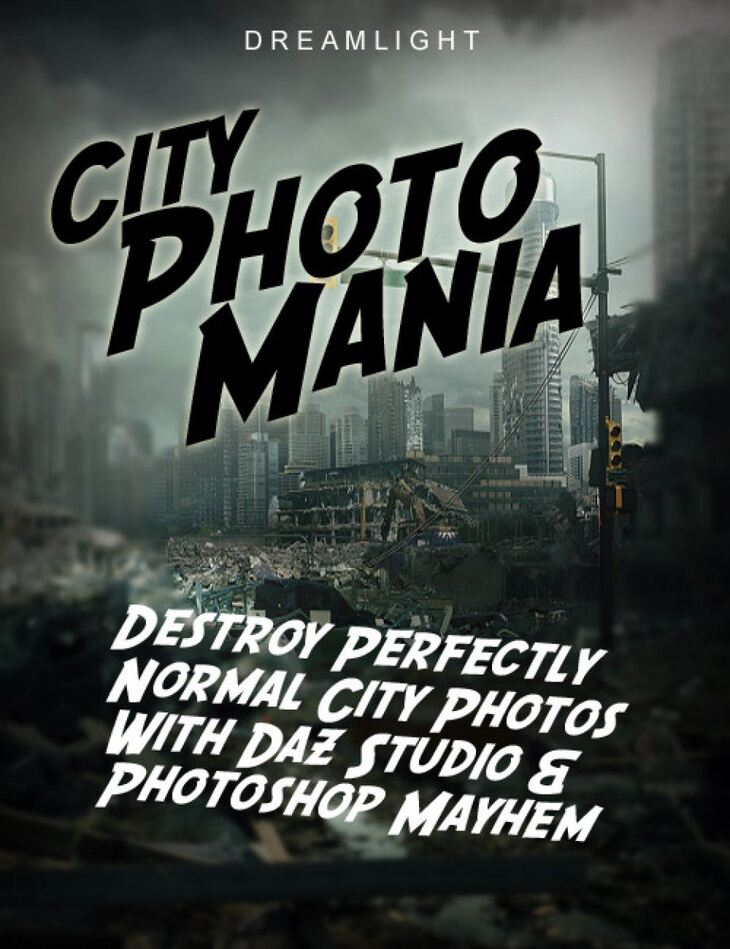
City Photo Mania – Destroy Photos With DAZ Studio is a tutorial created by Daz Originals Dreamlight and published on Daz 3D. The download holds 38 items, among them Generic video tutorials, techniques will work in any 3D software + 2D software (such as Photoshop / The Gimp), Add holes, destruction, debris and trees to city photos, Blend DAZ Studio lighting and shadows for the perfect illusion.
Tired of “ordinary” city photos? Let’s bring some mayhem! Use DAZ Studio + Photoshop and destroy perfectly normal city photos.
Add holes, destruction, debris, trees and blend with perfect lighting and shadows.
The poor photos will not know what hit them when you get your hands on “City Photo Mania”.
Brought to you by Dreamlight, bestselling DAZ 3D vendor and leader in online training for new and intermediate artists since 2006.
What’s included
- Generic video tutorials, techniques will work in any 3D software + 2D software (such as Photoshop / The Gimp)
- Add holes, destruction, debris and trees to city photos
- Blend DAZ Studio lighting and shadows for the perfect illusion
- Master shadows that climb from ground up on the walls
- Master the process with DAZ Studio + Photoshop
- BONUS: Master the entire process in Photoshop only
- Several hours of pure fun, destruction and illusions
- Day time and night time video tutorials
- Downloadable 1280 x 720 HD high quality video tutorials WMV / MP4
- MODULE 1: BASIC HOLE IN THE GROUND
- How to add a basic hole in the sidewalk, making sure the camera is matched, along with matching lighting and postwork.
- 01.01 – Camera Matching
- 01.02 – Adding Props
- 01.03 – Matching Lighting
- 01.04 – Final Postwork
- MODULE 2: CREATING A CAVE IN THE CITY
- 02.01 – Adding Background And Camera
- 02.02 – Matching Props
- 02.03 – Matching Lighting
- 02.04 – Postwork
- MODULE 3: CITY IN RUINS
- 03.01 – Adding Prop And Matching The Camera
- 03.02 – Lighting And Rendering Layers
- 03.03 – Postwork
- MODULE 4: ADVANCED SHADOWS
- 04.01 – Finding A Photo And Matching The Camera
- 04.02 – Catching Shadows And Adding Lighting
- 04.03 – Rendering In Layers
- 04.04 – Combining Layers And Final Postwork
- MODULE 5: NIGHT TIME ILLUSIONS
- 05.01 – Finding A Photo, Matching Camera And Adding Props
- 05.02 – Matching Items And Lighting
- 05.03 – Rendering
- 05.04 – Shadow Layer And Postwork
- 05.05 – Postwork
- BONUS MODULE: PHOTOSHOP ILLUSIONS
- 06.01 – Photoshop Illusions
- NOTE: Main cover photo not included in video tutorial
Specifications
- Source: Daz 3D
- Software / install: DIM Manual Install
- SKU: 18063
- Artist: Daz Originals Dreamlight
Download links for 5 mirrors are listed below.