Duplicate Node – DazStudio Tool
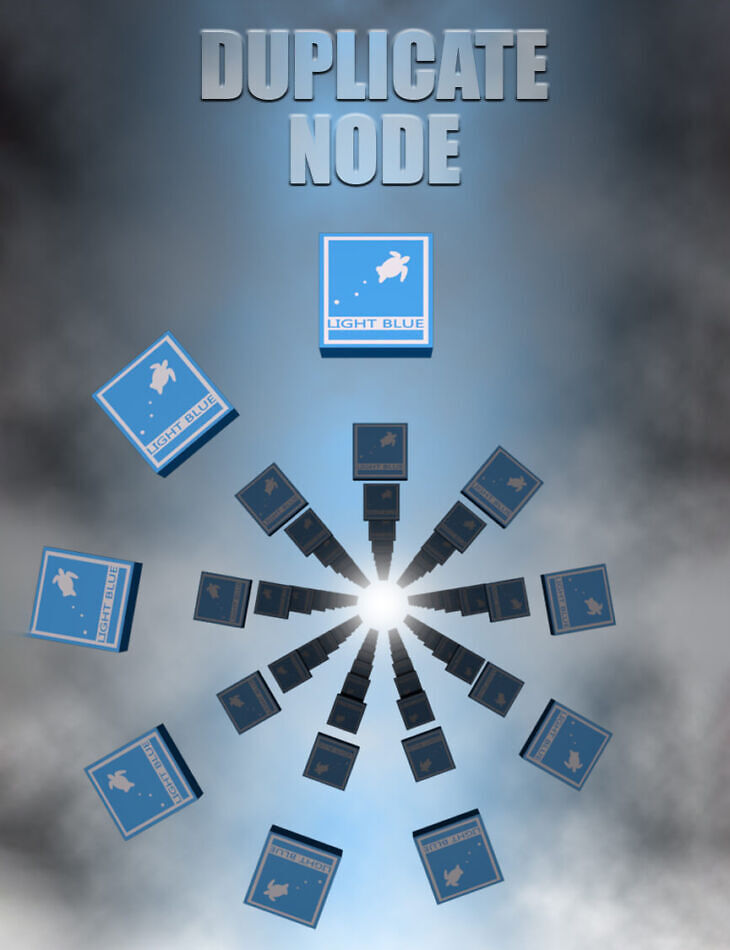
From lightBLUE comes Duplicate Node – DazStudio Tool, a tool available on RenderHub. The package is distributed through the download mirrors below.
“Duplicate Node” is a simple and convenient tool for DazStudio that allows you to duplicate nodes in your scene.
Run the script, select a node in the scene, select the number of copies, and duplicate that node together with all its child nodes.
The copies will have the same materials, pose, and shape presets, as well as all the other properties of the original node.
To make it more functional and interesting, this script gives you some settings and options for the duplication process.
You can choose the rotation of the copies, it can be incremental or not, and by any axis.
There are also three pattern options to choose from. The linear pattern is the default, it allows you to offset the copies by any axis
so they don’t overlap with the original or with each other. Besides the linear pattern, there are circle and grid patterns.
The circle pattern has options for the circle radius that will be formed from the created copies, as well as the option to position the circle
on one of the three planes (XY, XZ, or YZ plane). The grid pattern will give you the options to choose the number of rows and columns
in the grid, and also the distance between the rows and the distance between the columns. This pattern also has the plane options for positioning
the grid that will be created by your copies. Each of the patterns is affected by the number of copies you choose and the rotation options.
The best way to test the pattern options is with the DazStudio primitives or some other simple objects.
The script will suggest a base name for the copies, followed by an index suffix (_1, _2 …), but you can also give your copies a custom name (indexing will be applied).
Any node in the scene can be copied (props, figures, cameras, lights…), but keep in mind that the duplication of complex figures with many child nodes will be slower
than the duplication of simple objects.
This script will open a non-modal window, which means that you can work in your scene while it is open and close it whenever you want.
This tool is designed for all DazStudio users, it’s very simple and easy to use, even if you don’t have too much experience!
Specifications
- Source: RenderHub
- File format: Daz Studio DUF
- Software / install: Daz Studio
- SKU: 260073
- Artist: lightBLUE
The file is mirrored on 8 hosting services; a free account is required to download.