Genesis 9 Mouth Adjusting Morphs
From HevieState3D comes Genesis 9 Mouth Adjusting Morphs, a character, available on RenderHub. The package is distributed through the download mirrors below.
FREE G9 MOUTH ADJUSTERS
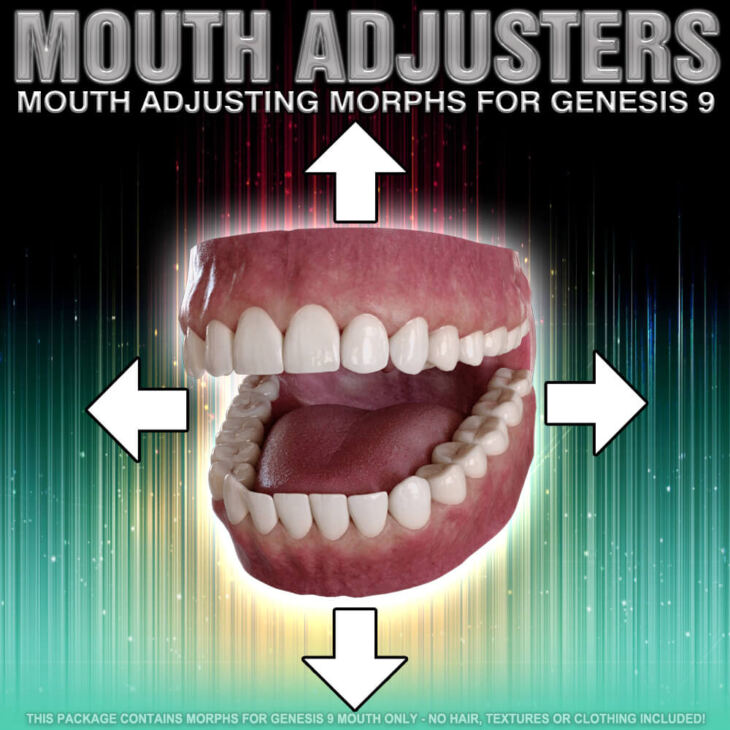
For whatever unknown reason eyes and mouth conformers with regard to G9 do not always auto-follow changes (morphs) for the figure s face and head. This is especially problematic with regard to the mouth. So I made some quick-fix adjustment morphs that allow you to move the top and bottom teeth separately to adjust the mouth s location/position without distorting them. The morphs are free but they ARE NOT merchant resources. Sorry. This is a free item for individual creators and artists not for developers. If you can create a product of your own you can make your own mouth morphs I would assume, so this item is licensed for individual and personal use only.
_______________________
IMPORTANT USAGE NOTES:
_______________________
The figure (G9F) body shaping morphs will appear in your Genesis 9 MOUTH parameters list here: SONSY 2023 MOUTH ADJUSTMENTS
SPECIAL INSTALLATION INSTRUCTIONS:
This item contains base morphs for the GENESIS 9 MOUTH and not the actual Genesis 9 figure. So the DATA files contained in this file must be installed to this location:
C:/Users/User Name/My Documents/DAZ 3D/Studio/My Library/DATA/DAZ 3D/Genesis 9/Genesis 9 Mouth/Morphs/ This is where HEVIESTATE3D file goes.
C = The drive on which DAZ Studio is installed. It may not be C on your system.
USER NAME = Whatever you Windows User Name is in which directory you have installed DAZ Studio.
_______________
REQUIREMENTS:
_______________
DAZ Studio 4.2 or higher
Genesis 9 Female Base
_______________________
NOTICES AND WARNINGS:
_______________________
Installation must be for the Genesis 9 BASE. Installation in the wrong file will result in the morphs not appearing in the parameters or not working properly. Do not custom install. Install directly to the files provided in the download.
Package must be installed manually by user. There is no auto-installation option or function. See installation instructions for directions. If you have never installed manually before, refer to PDF included in this product’s zip (compressed) file for help.
[COMPLETE MORPH LIST]
BOTTOM TEETH FORWARD OR BACKWARDS
BOTTOM TEETH UP OR DOWN
MOUTH FORWARD OR BACKWARDS
MOUTH UP OR DOWN
TOP TEETH FORWARD OR BACKWARDS
TOP TEETH UP OR DOWN
Specifications
- Source: RenderHub
- Compatible figures: Genesis 9
- File format: Daz Studio DUF
- Software / install: Daz Studio
- SKU: 163117
- Artist: HevieState3D
It is available through 9 mirrors. Registration is free and takes a moment.