Low Key Lighting – Light Set and Tutorial
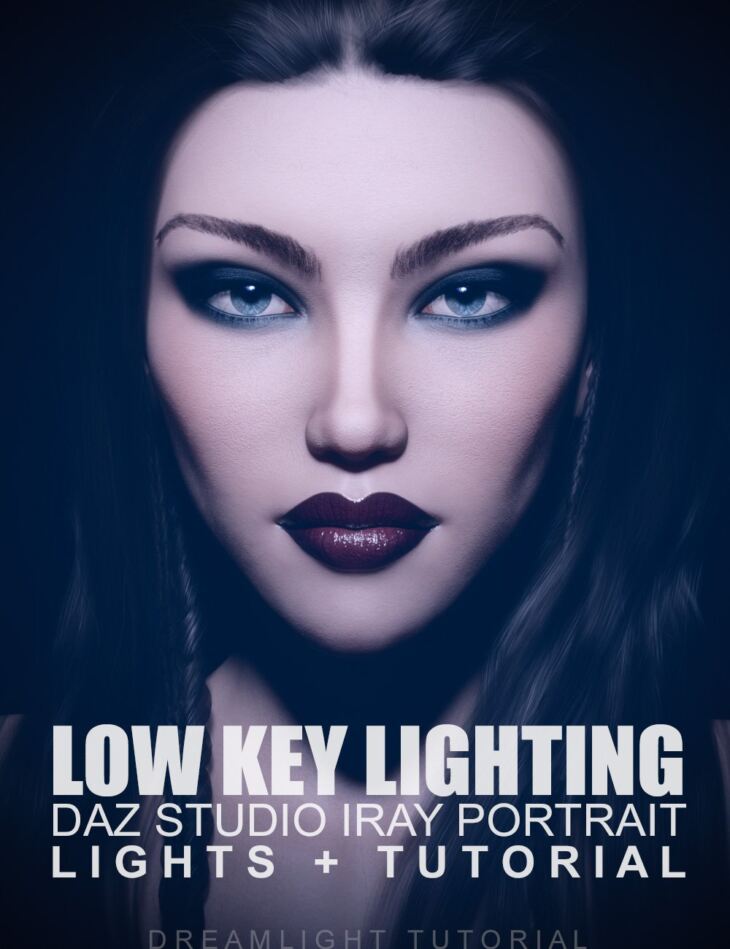
Low Key Lighting – Light Set and Tutorial is a tutorial created by Daz Originals Dreamlight and published on Daz 3D. The package ships 24 files, starting with Daz Studio Iray Lightset: 2 Lights, 1 Light Filter for special effects and shadows, 1 Texture 1000 x 1000.
Learn how to render striking Low Key renders right in Daz Studio and enhance them in Photoshop CC beyond your wildest dreams.
This Daz Studio Iray lightset and tutorial combo will leave you with lots of ideas and creative approaches to one of the most beloved portrait light styles, perfect for your moody and dark portrait renders.
What’s included
- Daz Studio Iray Lightset: 2 Lights
- 1 Light Filter for special effects and shadows
- 1 Texture 1000 x 1000
- 1 Camera
- Black Background
- 5 Presets: Load single light and camera (complete scene)
- Load single light and camera
- Load Iray render preset
- Load lightset with sidelight including a filter (with pattern) and a filler (complete scene)
- Load lightset with sidelight including a filler (with patter) and a filler
- Video tutorial: 6 videos: Video 1 – Intro and a deeper look at Low Key lighting The 5 parts of a successful Low Key lighting render and how they all fit together
- Video 2 – Setting up the character (same as the main promo image)
- Video 3 – Setting up the lighting Learn precision adjustments, with millimeter precision that can break or make your Low Key renders
- Discover hidden spotlight functions and features most artists will never learn
- Video 4 – Postwork in Photoshop, including filters Learn how to add filters in layers for a unique look and feel, taking your art to the next level
- Video 5 – BONUS – Optional advanced light options (all lights included) Learn how to add extra lights without killing the mood
- Learn how to light without lights
- Learn the careful balance of a professional Low Key lightset
- Video 6 – BONUS – Optional advanced light filters options (filter included) Learn how to create and add your own light filters
- Control light and shadows exactly where you want them
- Total running time: 1h 17 min
- 1600 x 900 WMV downloadable format
- NOTE: Light techniques can be applied to any 3D software
- NOTE: Photoshop filters and filter layering can be applied using other 2D applications, other filters can be used other than those specified
Specifications
- Source: Daz 3D
- File format: DUF
- Software / install: Daz Connect DIM Manual Install
- SKU: 62645
- Artist: Daz Originals Dreamlight
The file is mirrored on 9 hosting services; a free account is required to download.