Daz Studio Training Advanced 01 – Fabric Thickness in dForce
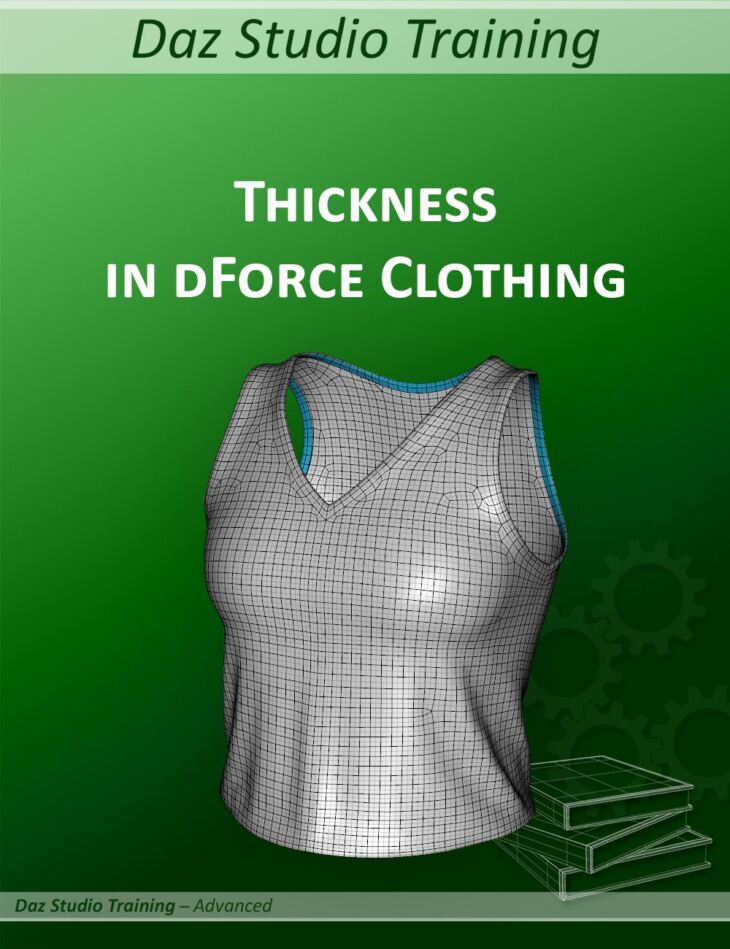
esha released Daz Studio Training Advanced 01 – Fabric Thickness in dForce on Daz 3D. The package ships 23 files, starting with Daz Studio Training Advanced 01 – Fabric Thickness in dForce, Total Running Time 1 Hour 30 Minutes 0 Intro – Customizing the Interface: 4 minutes (.MP4) Selecting a layout, Adding custom icons.
Have you ever wondered how to create fabric thickness for dForce simulations? The tutorial Daz Studio Training Advanced 01 – Fabric Thickness in dForce will show you how to create geometry for the edge and how to make it work in dForce. It will also provide some useful tips for fine-tuning and troubleshooting your dForce items. This training series goes beyond a traditional tutorial. It consists of two parts: This session is focusing on handling thickness on clothing items. It is NOT a modeling tutorial but suggests different ways and workflows for creating the edge geometry. The main focus is on how to make the thickness work in a dForce simulation in Daz Studio, especially when also SubD is applied. The tutorial was recorded in Daz Studio 4.21 using Genesis 9, but it will also work for other versions of Daz Studio and for other figures or props.
What’s included
- Daz Studio Training Advanced 01 – Fabric Thickness in dForce
- Total Running Time 1 Hour 30 Minutes 0 Intro – Customizing the Interface: 4 minutes (.MP4) Selecting a layout
- Adding custom icons
- Customizing the tool bars
- 1 The Thickness Problem: 10 minutes (.MP4) Identifying the problem
- Possible solutions
- Additional issues with SubD
- 2 Creating the Geometry: 17 minutes (.MP4) Three ways to create thick edge geometry Marvelous Designer
- Any modeling software
- Extracting curves in Hexagon
- Pros and Cons
- 3 Using a dForce Addon: 19.5 minutes (.MP4) Adding a dForce addon
- Settings for the addon
- Saving presets to include the addon
- Distributing wearable presets
- 4 Finetuning and Troubleshooting: 32 minutes (.MP4) Checking for short edges and adjusting surface settings
- dForce Influence Weight Maps
- Fixing wriggly edges
- Armhole and neckline problems
- Additional Information: 8 minutes (.MP4) Interaction of dForce addons with other items
- Material presets for visible addons
- Documentation: (.PDF) Fabric Thickness in dForce.pdf
- Additional Files: Icon files for customizing the interface (:PNG)
Specifications
- Source: Daz 3D
- Software / install: DIM Manual Install
- SKU: 90521
- Artist: esha
It is available through 3 mirrors. Registration is free and takes a moment.