dForce Strings and String Lights
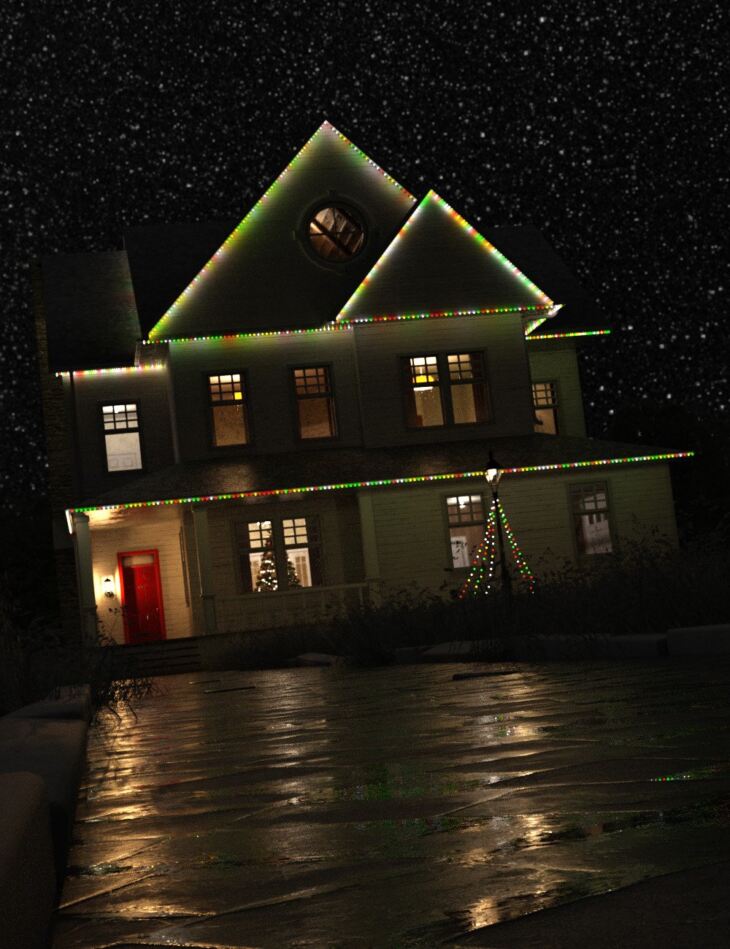
RiverSoft Art released dForce Strings and String Lights on Daz 3D. It contains 9 files; the list begins with dForce Strings & String Lights (.DSE/.DSA) dForce Strings Configure Lights, dForce Strings Hide Lights, dForce Strings Install Custom Actions.
Quickly and easily create dForce strings, ropes, threads, and string lights (i.e. holiday lights) using the powerful dForce Strings and String Lights scripts product! Four scripts allow you to create the perfect dForce String or String Lights for your scene: 2 will create your dForce string or string light between any 2 nodes in your scene, and 2 others create a dForce string or string light of an exact length. The advanced scripts create a dForce string or string light using the best techniques for dForce, including automatically creating support ribs to keep dForce from collapsing the string, adding rigid follow nodes so the lights stay in their position in the string, and even adjusting string surface simulation properties based on the geometry of the string to reduce the number of dForce explosions. dForce Strings and String Lights includes:
What’s included
- dForce Strings & String Lights (.DSE/.DSA) dForce Strings Configure Lights
- dForce Strings Hide Lights
- dForce Strings Install Custom Actions
- dForce Strings Lights Unattached
- dForce Strings Lights
- dForce Strings Show Lights
- dForce Strings Unattached
- dForce Strings
- Detailed User Manual
Specifications
- Source: Daz 3D
- Software / install: Daz Connect DIM Manual Install
- SKU: 88286
- Artist: RiverSoft Art
The file is mirrored on 3 hosting services; a free account is required to download.