dForce Solutions Tutorial: Nine Essential Case Studies
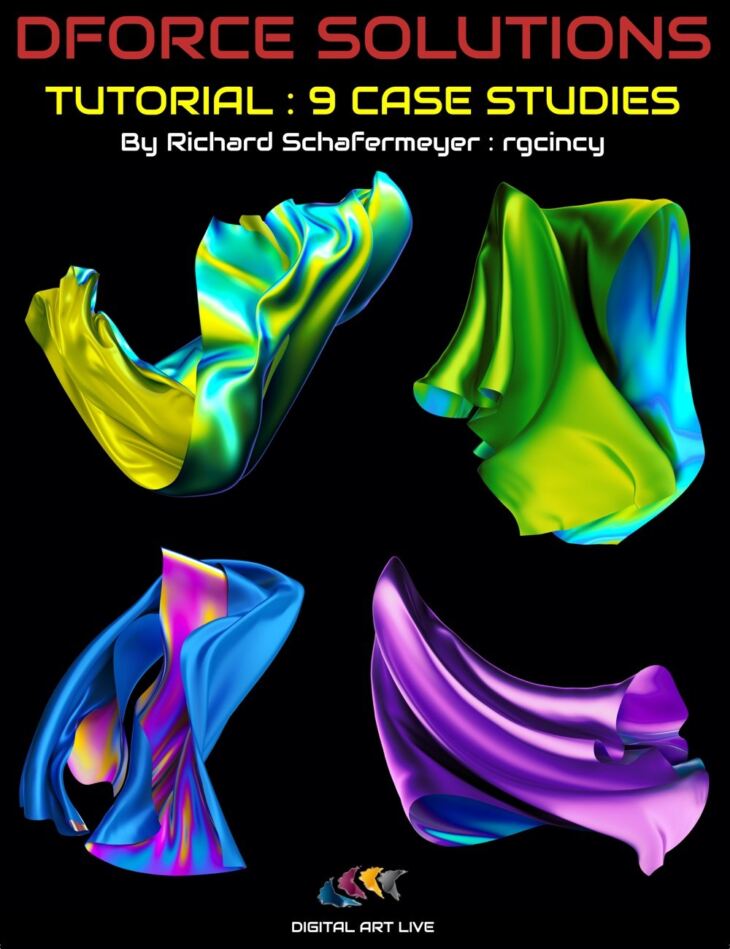
From Digital Art Live comes dForce Solutions Tutorial: Nine Essential Case Studies, a tutorial available on Daz 3D. The package ships 44 files, starting with dForce Solutions Tutorial : Nine Essential Case Studies: (.MP4), Tutorial video : 1 hour and 51 minutes, dForce Reference Articles PDF document.
What’s your number one challenge with dForce? This tutorial has Richard Schafermeyer (rgcicny), who has a 34 page thread on the DAZ forums, answering some of your most frequently asked questions about dForce. He demonstrates nine different case studies in going through illustrating the answers you need. Case 1 : Bold hair Case 2 : Adding modifiers to a non dForce black dress Case 3 : How do I sit a figure on a cushion, showing the depression? Case 4 : Asteroid strike! Case 5 : Cape for a super hero Case 6 : Puffy sleeves Case 7 : How to create dForce clothing Case 8 : More complex dForce hair example includes bangs, strands , threads and skullcap Case 9 : Dealing with clothing accessories such as buttons About the presenter : Richard Schafermeyer (rgcincy) Rich Schafermeyer is a long-time 3D artist and programmer. He got his start with the original Poser and Bryce 3D. In 2001, he wrote his first 3D modeler that evolved into the still available Shape Magic. He began to use Daz Studio in 2012. With a research and engineering background, the physics of dForce grabbed his attention! He decided it would be helpful to others if he shared his learnings and has frequently done so in the DAZ forums. Richard has been experimenting with many aspects of the physics engine since it came into being.
What’s included
- dForce Solutions Tutorial : Nine Essential Case Studies: (.MP4)
- Tutorial video : 1 hour and 51 minutes
- dForce Reference Articles PDF document
- Tutorial Time index 00:02 Introduction
- 00:06 dForce menu options are scattered about
- 00:08 Custom menu
- 00:08 Case 1 :Bold hair
- 00:09 Add a dForce modifier
- 00:11 Dynamic strength recommendations
- 00:15 Skullcap holds much of the hair in place.
- 00:20 Case 2 : G3 – non dforce black dress. The mesh includes triangles.
- 00:21 Bend stiffness and modify stretch stiffness.
- 00:23 An application to convert the geometry from triangles to quads
- 00:23 Add a weight map (influence weight)
- 00:25 Animate to a different pose demonstrating pinch points on the dress
- 00:27 What if this was a conforming dress?
- 00:29 Case 3 : How do I sit a figure on a cushion, showing the depression?
- 00:31 Add a cube under the sitting figure. Without dForce, the two models just intersect.
- 00:31 Use Negative gravity for this modifier.
- 00:34 When do you determine whether WM is needed or not??
- 00:40 Applying dForce to soft bodied furniture
- 00:44 Case 4 : Asteroid strike. Also how to simulate someone swimming in water!
- 00:46 This case study uses helper objects
- 00:50 Case 5 : Cape for a super hero
- 00:58 Animation of cape
- 01:00 Case 6 : Puffy sleeves
- 01:02 About the Contraction-Expansion over 100%.
- 01:04 About the weight maps in this example.
- 01:09 More about the contract-expansion ratio
- 01:13 Case 7 : Creating dForce clothing.
- 01:14 Cut neckline
- 01:16 Form arm holes
- 01:19 Simulating the dress
- 01:21 Adding a weight node and seeing the effect
- 01:32 Case 8 : Hair example includes bangs, strands , threads and skullcap.s.
- 01:35 Add dForce modifier
- 01:36 Recommended bend stiffness at 0.2
- 01:36 How to hold the hair in place, stop it form peeling off.
- 01:38 More examples of how weight maps are used.
- 01:42 How to stop clumping of hair
- 01:46 Never hit the clear button!
- 01:48 Case 9 : Buttons. Can be a pain
- 01:50 Buttons ending up hovering in space
- 01:53 Hide them from the simulation. Using a rigid follow node
Specifications
- Source: Daz 3D
- Software / install: DIM Manual Install
- SKU: 70601
- Artist: Digital Art Live
The file is mirrored on 9 hosting services; a free account is required to download.