Poses That Stand Out
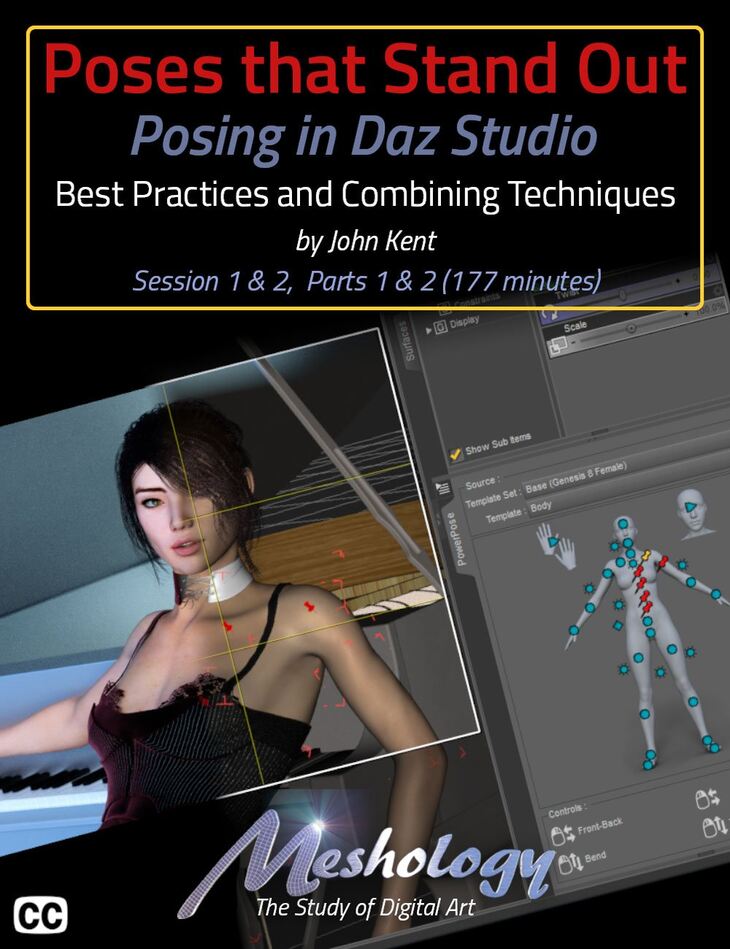
Cgan released Poses That Stand Out on Daz 3D. The package ships 108 files, starting with Poses That Stand Out, Total Running Time: 177 minutes, Session 1 Daz Studio Tools for Posing Overview of the Tutorial.
New to Daz Studio or a combat veteran? We’ll bet you didn’t know there was a full three hours of content just on how to use the posing tools in Daz Studio. We were surprised too, and the revelations will change the way you pose, forever! Okay, so get your counting fingers ready… Eight! Eight different ways to pose figures in Daz Studio. All with their little quirks. All that are strong in a particular part of the body. And the best part… you can mix and match the methods to find a procedure that works best for you! John Kent methodically explains them all before bringing them all together, like a giant symphony, to demonstrate how they can all be used in concert with each other. How they can be used to speed up your workflow giving your figure a more realistic pose. For example, did you know that Daz Studio has two different kinds of pins for the body? Yep, you heard right. Two! One called the Universal Pin, because it’s applied using the… you guessed it… the Universal Tool. The other is called the Action Pose Pin. Anyone? Hands! Anyone? Yes, the lady down in front. That’s right. It’s applied with the Action Pose Tool.Think they do the same? You’d be wrong. John explains what each does and how best to utilize this powerful feature that is often overlooked or complete misunderstood. Even by the pros! And if you think this product description has a bit of attitude, you’d be right and that’s because after we learn about the tools for posing, we delve into what makes the pose realistic and Attitude would be right at the top. If your character doesn’t exude attitude, then you’ve missed your mark. And it’s the little things that count… well, unless you’re still counting ways to pose in Daz Studio. Oh, and we haven’t forgotten camera angle and focal length… well, we’ve packed so much information into this tutorial that we’d be wasting your time trying to enumerate it all in this description. Suffice it to say that this is THE Posing Tutorial for beginners and seasoned veterans alike. We’re positive that you’ll learn a new way to pose that you never new existed in Daz Studio but don’t take our word for it. Watch our video teaser here… I’m a self-taught digital artist with a background in software tools and hobbyist photography. These two worlds came together when I discovered 3D composition and rendering environments – particularly Daz Studio with the Octane Render plug-in. With these tools I can exploit light, shape and texture to build scenes that would be almost impossible for me to stage using real-world photography, rapidly iterating from initial visual sketches to compelling photorealistic art. I also enjoy teaching and mentoring others, so I’m glad to work with Meshology to help other artists develop and render their own digital visions. This tutorial is professionally edited and indexed for random access as well as closed-captioned in English This tutorial includes a PDF index with time code references for the User’s own notes.
What’s included
- Poses That Stand Out
- Total Running Time: 177 minutes
- Session 1 Daz Studio Tools for Posing Overview of the Tutorial
- Configuring the Daz Studio Workspace to Facilitate Posing
- Why Create you Own Poses?
- A Graphic Representation of the Posing Workspace
- Why John Doesn’t Load the Pose Pane
- Examining the Genesis 8 Bone Structure
- The Daz Studio Viewport Controls
- Tip: Create a Render Cam
- The Daz Studio Tools Menu
- How to Create a Pose
- Manual Editing of the Bone Parameters
- Making a Simple Running Pose
- Explanation of the Pose Gismo, Limits and the Reset Icon
- Bone Movement Limits, Why the Exist
- When and Why to Exceed Bone Limitations?
- An Example of a Pose that Exceed Bone Limitations
- Moving Multiple Bones Simultaneously
- Zeroing the Figure Pose
- Keyboard Shortcut for Zeroing the Figure Pose
- Collapsing the Scene Pane to Work with the Most Used Bones
- Basic Figure Bone Differences
- Fixing Poses between G3 and G8
- Posing the Arm
- Creating the “Rub your Belly and Rub your Head” Pose
- “You” are Your Own Best Model
- Creating Character Attitude
- Considering the Camera Angle and the Focal Length
- Giving the Spine a More Feminine Curve
- Bringing the Pose to Life
- Tweaking the Head
- The Key to Creating Believable Poses
- Another Way of Pointing the Eyes
- Creating a Null
- Parenting the Eyes to the Camera
- Inverse Kinematics
- Inverse Kinematics and the Universal Tool
- Inverse Kinematics Activates the Necessary Bones During Posing
- The Universal Pin (Purple Pin)
- Inverse Kinematics and the Active Pose Tool
- The Active Pose Tool Setting Pane
- The Active Pose Pin (Red Pin)
- The Differences Between the Two Pinning Types
- How To Effectively Using Pinning
- Don’t Use the Universal Tool with the Active Pose Pins
- Rotate the Figure for Better Control When Mouse Posing
- Translating in Active Pose
- Turning Off Active Pose Pins
- Using Power Pose Effectively
- Undoing a Power Pose Movement
- Selecting Bone Groups with Power Pose
- Using Power Pose with the Universal Tool, it’s Strengths
- Pinning in Power Pose (both kinds with one tool)
- Graphic Clarification for Pinning in Power Pose with Universal Tool
- Power Pose – Changing Body Templates
- Uses for Power Pose
- Power Pose Seems to work Best with G8 Figures
- Creating Your Own Posing System
- Daz Studio Pose Controls
- … and 48 more items in the archive.
Specifications
- Source: Daz 3D
- Software / install: DIM Manual Install
- SKU: 71197
- Artist: Cgan
Download links for 6 mirrors are listed below.