The Magical 8-Point Light Set – Part 2 – DAZ Studio Tutorial
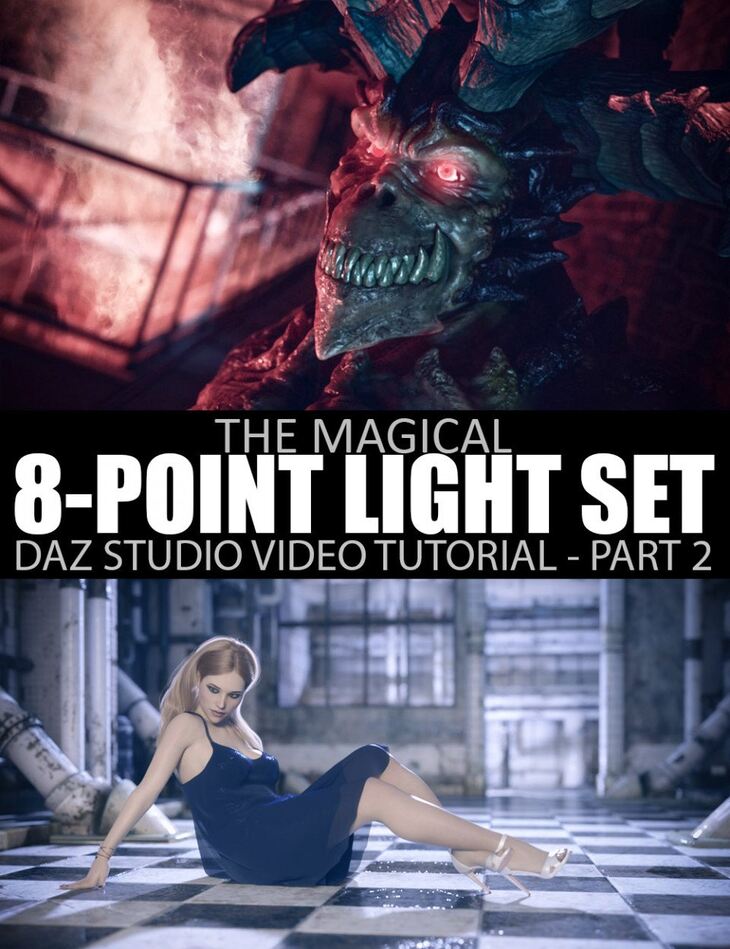
From Daz Originals Dreamlight comes The Magical 8-Point Light Set – Part 2 – DAZ Studio Tutorial, a tutorial available on Daz 3D. It contains 40 files; the list begins with The Magical 8-Point Light Set – Part 2 – DAZ Studio Tutorial Learn the CORE of lighting, and make your images POP like never before, Discover the 8-Light Point Set Up, featuring: Key Light, Fill Light.
Light any DAZ Studio scene like a true MASTER! Learn how to use (and abuse) Dreamlight’s incredible 8-point light set up that can handle any situation, scene, both indoors and outdoors, and can also be used to portray emotions. Based on Dreamlight’s popular 7-point light set up from 3D Light Master, now optimized and streamlined for DAZ Studio Iray. Part 2 continues to deepen the realm of illumination by focusing on fear, backlighting tricks, and advanced lighting situations. Get The Magical 8-Point Light Set – DAZ Studio Tutorial and learn to light scenes like a pro.
What’s included
- The Magical 8-Point Light Set – Part 2 – DAZ Studio Tutorial Learn the CORE of lighting, and make your images POP like never before
- Discover the 8-Light Point Set Up, featuring: Key Light
- Fill Light
- Back Light
- Rim Light
- Background Light
- Overall Light
- Ambient Light
- Bounce Light
- Part 2 of the training focuses on fear, back lighting tricks and advanced lighting situations
- Discover how the 8-point light set can be used for various styles by keeping certain parts brighter, while toning other parts down
- Learn how to control light damage
- Discover creative ways of making a single light do multiple things in your images
- Learn how to block lights in order to make them do what you want them to do
- Master the emotion of FEAR
- Learn how to use off-camera objects for shadow control
- Learn how to get rid of large areas with shadows
- See how you can light a character without “Light” and still make them the most dominant part of your image
- See an image being created from scratch, explaining things most artists will never hear, saving your YEARS of frustration
- Learn a cool bounce light trick that will make your characters or props connect with the background in ways you’ve never seen before
- Learn how to create subtle post work with maximum impact in Photoshop
- Learn how to add special effects, such as fog and fire
- Learn how to mix and match layers rendered in DAZ Studio using Photoshop to save time and get extreme control over your images with LIVE adjustments
- Photoshop examples are generic (techniques can be used in other applications, such as the free Gimp)
- Video breakdown: Video 1: Styles – Part 1
- Video 2: Styles – Part 2
- Video 3: Manual bounce light control
- Video 4: The Magic of The Point Light
- Video 5: Back Light Mastery – Part 1
- Video 6: Back Light Mastery – Part 2
- Video 7: Back Light Mastery – Part 3
- Video 8: Back Light Mastery – Part 4
- Video 9: Back Light Mastery – Part 5
- Video 10: Back Light Mastery – Part 6
- Video 11: Making Of The Demon – Part 1
- Video 12: Making Of The Demon – Part 2
- Video 13: Making Of The Demon – Part 3
- Video 14: Making Of The Demon – Part 4
- WMV video format 1600 x 900 and 1920 x 1080
- Approx 3.5h total running time
Specifications
- Source: Daz 3D
- Software / install: DIM Manual Install
- SKU: 73305
- Artist: Daz Originals Dreamlight
The file is mirrored on 3 hosting services; a free account is required to download.