Aerial Rendering Secrets – Video Tutorial
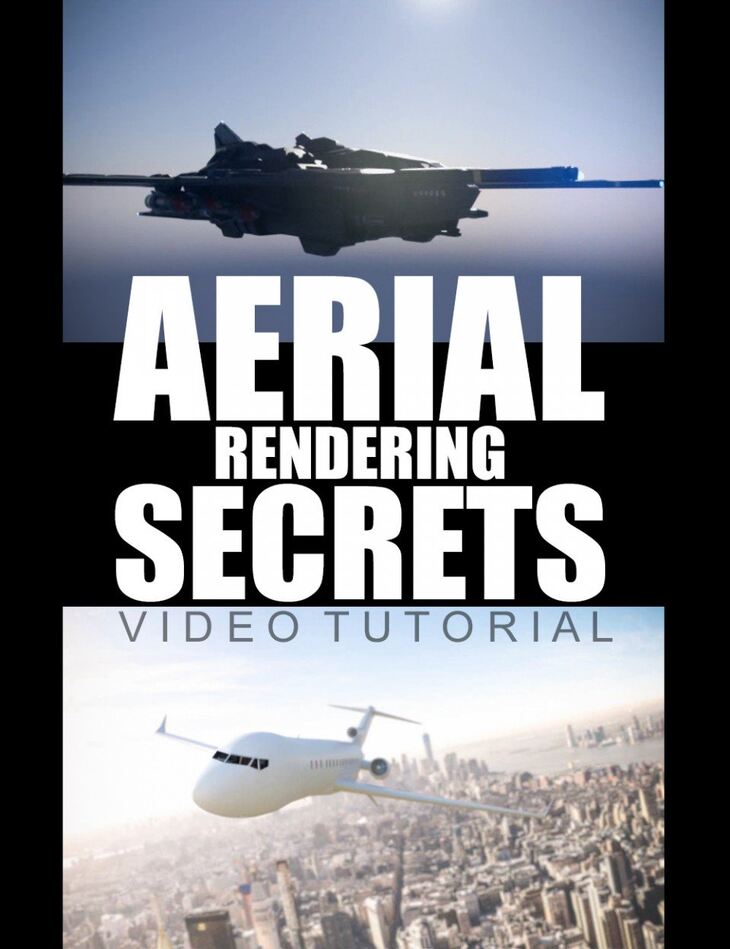
Daz Originals Dreamlight released Aerial Rendering Secrets – Video Tutorial on Daz 3D. The download holds 28 items, among them Aerial Rendering Secrets – Video Tutorial (.WMV): 6 Videos, 1h 43 min total running time, 1600 x 900 WMV downloadable format.
Master aerial rendering in Daz Studio Iray!
Learn camera, lighting, shadow and postwork tricks that will make your sky-high renders look astonishing.
Take to the skies with Aerial Rendering Secrets – Video Tutorial.
What’s included
- Aerial Rendering Secrets – Video Tutorial (.WMV): 6 Videos
- 1h 43 min total running time
- 1600 x 900 WMV downloadable format
- Video 1: Intro and using the Global Illumination System How to control the lighting and shadows for incredible effects
- How to properly use the bloom effect
- How to quickly alter the mood
- How to use the hidden 3rd lighting component to the Iray Global Light system (besides the sun and sky)
- Camera options and tricks for better results
- How to set up DOF (Depth Of Field) effects the right way, and what to avoid
- Video 2: Using HDRI maps How to use any outdoor HDRI map for aerial renders
- How to use special cloud HDRI maps
- How to control the lighting using HDRI maps
- How to cast shadows on underlying clouds using HDRI maps
- Video 3: Using Static Photo Backgrounds How to match the photos with the DAZ Studio camera
- How to match the lighting
- How to control the background and all other lighting independently
- How to let it catch shadows (or not)
- How to add camera Depth Of Field effects (DOF)
- How to make sure the ground “bleeds” into the plane or aerial vehicle
- How to zoom in the background
- Video 4: Using Photo Backgrounds with camera freedom Incredible trick lets you zoom and even rotate the camera while having the background follow your every mode
- How to control the background using various tricks, including exactly where it ends up and how to let it catch or not catch any shadows
- How to set up the camera Depth Of Field effects (DOF)
- Video 5: Blending DAZ Studio planes with photos using Photoshop How to render a plane in DAZ Studio and match it with a photo in Photoshop
- How to NOT render transparency in DAZ Studio, leaving a darker edge around your objects (and how to fix it in Photoshop if you do)
- How to make sure the edges of your DAZ Studio objects are smooth as butter
- How have a plane partially fly behind the clouds in a photo
- Video 6: BONUS: Postwork tricks and filters for enhancing your aerial renders, including a 1990’s camera filter trick that still works like a charm!
Specifications
- Source: Daz 3D
- Software / install: DIM Manual Install
- SKU: 66285
- Artist: Daz Originals Dreamlight
It is available through 6 mirrors. Registration is free and takes a moment.