Batch Render for DAZ Studio 4 and RIB
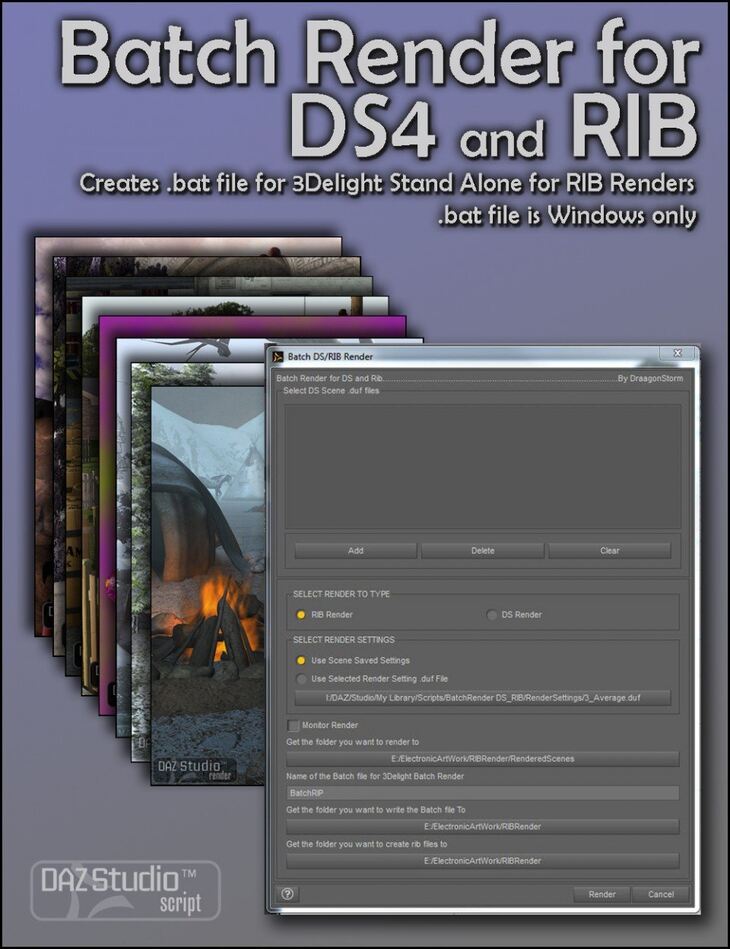
Batch Render for DAZ Studio 4 and RIB is a tool created by DraagonStorm and published on Daz 3D. Inside the archive you get 7 items, including Script File (.DSE), 6 Render Settings: Draft, Proof.
So, you’ve created a bunch of DAZ Studio scenes and test rendered them at low render settings for speed. Now you need to do the final renders in high quality and you think you need to stay up all night just to keep track and start the next render when the previous one is finished, right? Think again! Batch Render for DS and RIB is the answer! With this script you create a list of all the .DUF scene files you want to render, where you want to render them to, and at what render settings you want. You can batch render them in DAZ Studio, or if you want to keep working in DS, then render them to RIB and use the .bat file created (windows only) to render them in 3Delight Stand Alone (free at: http://www.3delight.com/en/index.php?page=3DSP_download ), or any other render engine that can batch render .RIB files. Now get ready to………. Start Your Renders! Includes six render settings.
What’s included
- Script File (.DSE)
- 6 Render Settings: Draft
- Proof
- Average
- High
- Higher
- Highest
Specifications
- Source: Daz 3D
- File format: DUF
- Software / install: Daz Connect DIM Manual Install
- SKU: 17728
- Artist: DraagonStorm
Download links for 6 mirrors are listed below.