Creative Posing: Making It Your Own
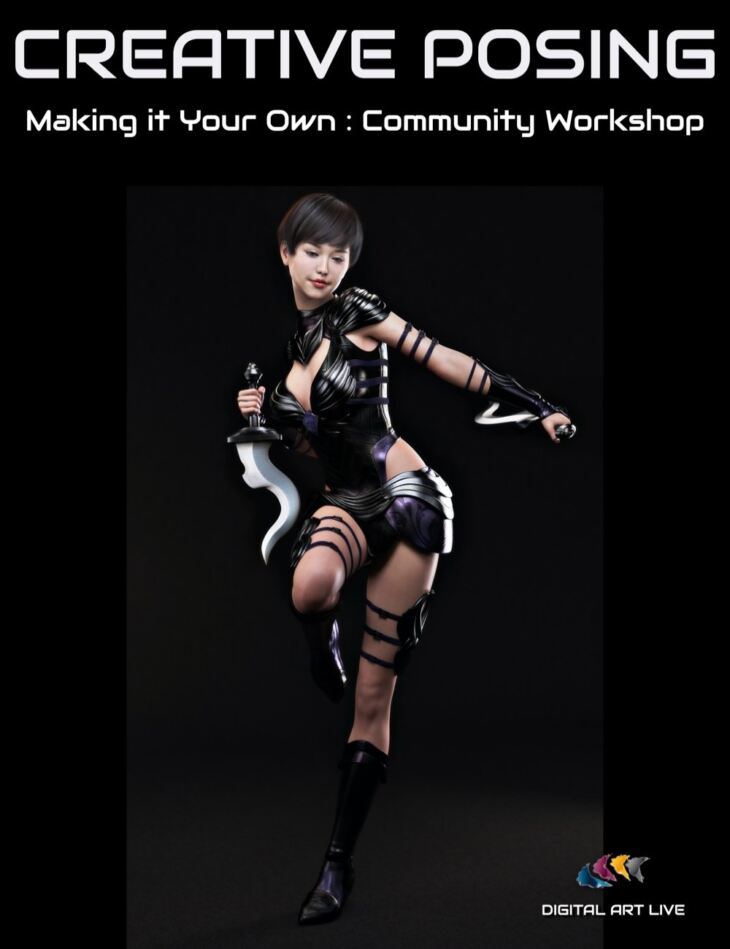
Creative Posing: Making It Your Own is a tutorial created by Digital Art Live and published on Daz 3D. The package ships 30 files, starting with Creative Posing: Making It Your Own: Total running time : 1 hour and 23 minutes, 00:00 Introduction, 00:01 Lewis Slater : Applying a pose from a different figure.
In thistutorial workshop,Creative Posing: Making It Your Own, we had a round table discussionon posing your Daz Studio characters. How do you really make poses your own to get the body language and dynamic you need when posing your character?
Artists from the Daz Studio community shared their artwork, tips, and recommended resources on the subject, such as:
Applying poses originally built fordifferent figures
Using Puppeteer
Hand grasps
Inverse Kinematics
Posing more challenging characters
“Hidden” pose controls
Reproducing poses in promo images
Pinning joints or limbs
The recording is searchable on any word or phrase spoken during the presentation and includes captions.
What’s included
- Creative Posing: Making It Your Own: Total running time : 1 hour and 23 minutes
- 00:00 Introduction
- 00:01 Lewis Slater : Applying a pose from a different figure
- 00:02 Using puppeteer : great for adjusting
- 00:03 Hand grasp with puppeteer tab.
- 00:09 About Inverse Kinematics posing
- 00:14 Bend / Twist / Side-Side movements in parameters
- 00:18 Bob Keck : Recommendation for “Look at Me 2” pose control by Riversoft Art
- 00:20 Leyla Munteanu : Posing with SASE Jazz for Sahira 8
- 00:23 Using Genesis 2 and 3 poses for artwork
- 00:28 A natural jump pose
- 00:34 Trevor Hancock : Cyberpunk apartment
- 00:39 Preschool millennium kids poses
- 00:42 Fantasy artwork
- 00:45 Karen Williams : happy accidents!
- 00:47 Posing unusual characters without many joints
- 00:49 The challenge with posing hands and fingers
- 00:52 Inverse Kinematics with a prop such as a hat
- 00:56 Turning clothing into props.
- 01:00 Tiffanie Gray : Posing a four armed character!
- 01:05 Karen Williams : selecting pelvis and using pose controls
- 01:06 Using “hidden” pose controls
- 01:07 Using pinning
- 01:08 Slater Lewis : Brushing teeth pose
- 01:09 Reproducing promo images
- 01:12 The promos don’t always have the same poses used in the sets.
- 01:14 A finger snap pose
- 01:17 Rarestone’s fashion poses for G8
- 01:18 Using a G3 pose on a G8 figure
- 01:20 Pin transforms
Specifications
- Source: Daz 3D
- Software / install: DIM Manual Install
- SKU: 82225
- Artist: Digital Art Live
The file is mirrored on 9 hosting services; a free account is required to download.