DA Let There Be Moss
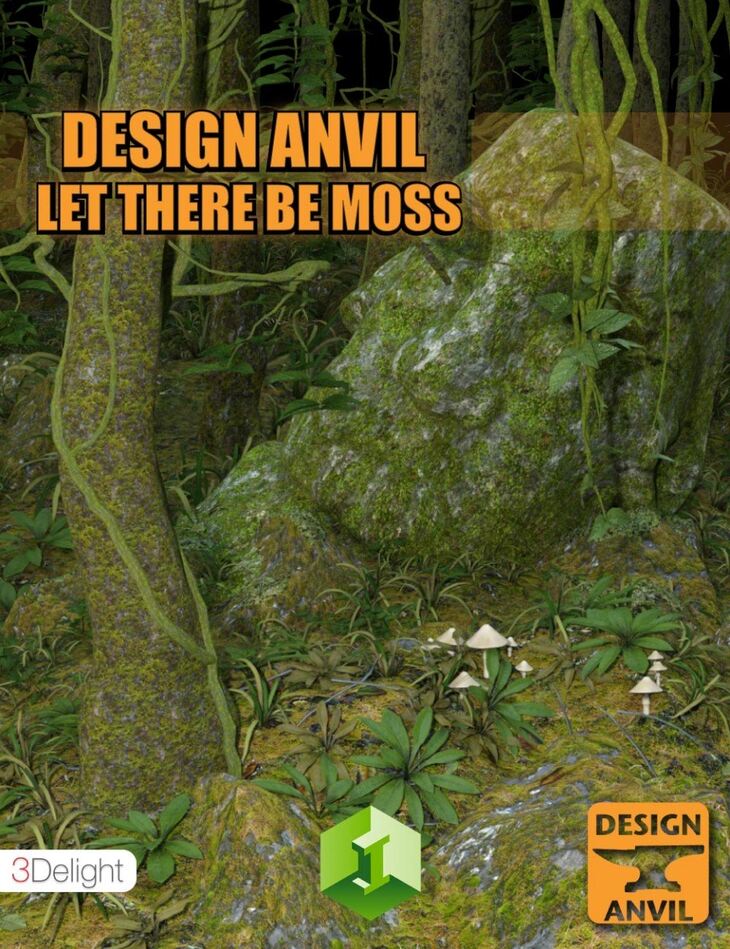
Design Anvil released DA Let There Be Moss on Daz 3D. It contains 18 files; the list begins with DA Let There Be Moss: Moss Shell, Moss Shell Top Layer, Moss Shell Mid Layer.
In the tradition of DA Let is Snow, Design Anvil brings you DA Let there be Moss. DA Let there be Moss is a system for adding Moss to any object in a scene utlizing preconfigured layered or single geoshells and Shader presets for both 3Delight and Iray. Quick and easy to use, simply add one of the preconfigured shells and then load the desired shader to the shell to add a moss covering to any object in Daz Studio. There are 11 varied moss shaders included which vary in coloring and coverage of the Moss on the object. Layering of the shells and shaders allows for a a complex coverage of Moss on the object. Transform any object or scene with a realistic mossy covering with ease!
What’s included
- DA Let There Be Moss: Moss Shell
- Moss Shell Top Layer
- Moss Shell Mid Layer
- Moss Shell Inner Layer
- Shaders: DA LTBM Algae Green01
- DA LTBM Algae Red02
- DA LTBM Algae Yellow03
- DA LTBM Moss 01
- DA LTBM Moss 02
- DA LTBM Moss 02B
- DA LTBM Moss 02C
- DA LTBM Moss 03
- DA LTBM Moss 04
- DA LTBM Moss 04B
- DA LTBM Moss 05
- Textures Include: 33 Texture, Displacment, and Specular Maps (2048 x 2048)
- Daz Studio Iray Shader Presets
- Daz Studio 3Delight Shader Presets
Specifications
- Source: Daz 3D
- File format: DUF
- Software / install: Daz Connect DIM Manual Install
- SKU: 37079
- Artist: Design Anvil
It is available through 8 mirrors. Registration is free and takes a moment.