Daz Studio Content Creation Mastery Parts 4 and 5: Rigging & Morphing Props
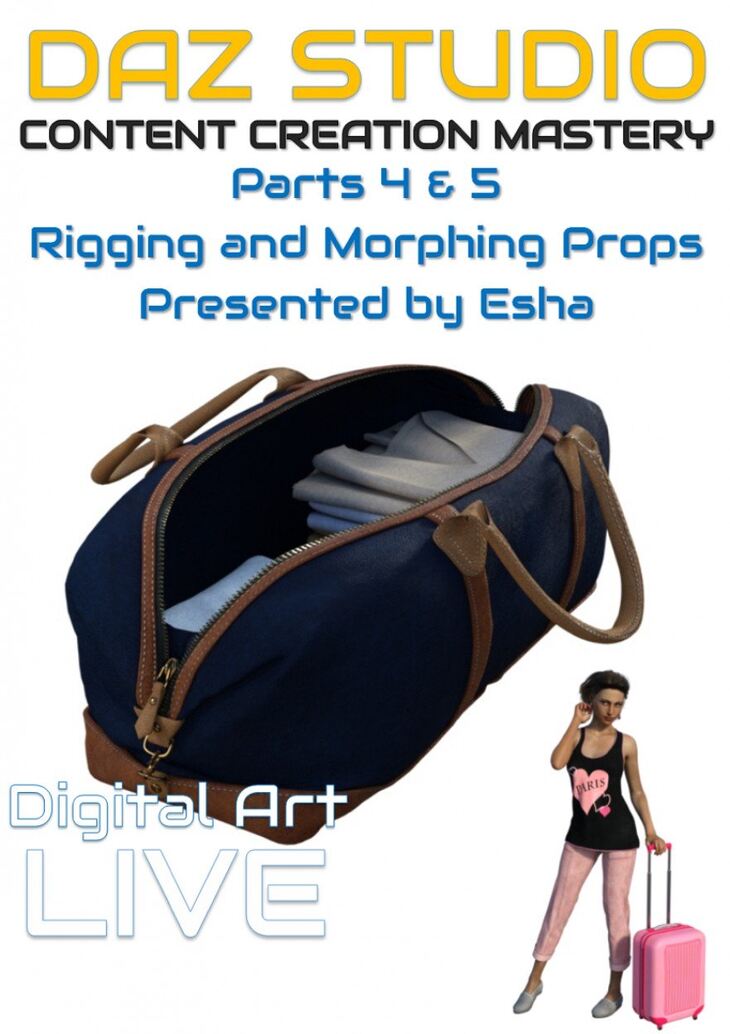
Daz Studio Content Creation Mastery Parts 4 and 5: Rigging & Morphing Props is a tutorial created by Digital Art Live esha and published on Daz 3D. Inside the archive you get 51 items, including Daz Studio Content Creation Mastery Parts 4 and 5 : Rigging & Morphing Props, Rigging Props: Topic 1: Setting Up A Bone Structure, Automatic Bone Creation Through Groups.
Two modules with over 4 hours of tuition in HD quality recordings from live webinars, recorded from the presenter’s own desktop. Sessions include Q&A with the attendees. This is a complete detailed step by step guide on how to rig and morph props, essential knowledge for DAZ Studio content creators. This product contains two webinar recordings of approximately 2 hours each. MODULE 4 – “EXPLORING” : RIGGING A RIGID PROP Explore the possibilities of rigging. We’ll discuss in which cases a rigged bone structure is preferable to morphs, and we’ll look at the various rigging types available in Daz Studio. I’ll show you how to rig a prop from scratch and I’ll give you an introduction to weight painting. We’ll look into ERC in detail – how to link dials together and control them by another dial, and you’ll learn how to use keyed ERC for a very precise control over your mesh’s features.” MODULE 4 CONTENT : RIGGING STAND ALONE PROPS – Difference between morphs and rigged movement – How to rig an item from scratch – Rigging types – Introduction to weight painting – Setting up dependencies (ERC) – Keyed ERC for precise control – Rigging MODULE 5 – “ADAPTING” : MORPHING When you have your mesh finally in Daz Studio you can also adapt it to your liking – using morphs. In this module we’re going to talk about morphs: how they work, how you can use them, and above all how to create them. I’ll show you different methods to create morphs and different ways to load them into Daz Studio. I’ll also share my methods for dealing with tricky layered parts.” MODULE 5 CONTENT : MORPHING – Using DS deformers – Using external software – Tricks for morphing in ZBrush (masking) – Adjusting the rigging to the new shape – Pitfalls ABOUT THIS SERIES In this webinar series I’ll take you through the various stages of the creation process, from planning your project over modelling and UV mapping to rigging, morphing, texturing, rendering and packing up. We will cover each “leg” of this journey in detail and you’ll get lots of useful information, tips and tricks. I’ll show you various methods and workflows and discuss the pros and cons of each so you can make informed choices for your own personal workflow. I’m covering the creation process using an upcoming product as an example. I’ll show you how to create a suitcase and a duffel bag
What’s included
- Daz Studio Content Creation Mastery Parts 4 and 5 : Rigging & Morphing Props
- Rigging Props: Topic 1: Setting Up A Bone Structure
- Automatic Bone Creation Through Groups
- Hierarchy And Orientation
- Bone Position
- Adding Bones
- Re-parenting Bones
- Selection Groups
- Topic 2: Weight Painting For Rigid Items
- Selecting Faces
- Filling Selection
- Topic 3: Tweaking Parameters
- Setting Limits
- Renaming Parameters
- Hiding / Showing Parameters
- Creating Aliases
- Organizing Parameters Into Groups
- Topic 4: ERC Tricks
- Working With Edit Mode And Property Hierarchy Tab
- Setting Up A Control Dial For A Single Parameter
- Setting Up A Control Dial For Multiple Parameters
- Keyed Erc
- ERC For Bone Position
- Topic 5: Rigging Soft Items
- Weight Painting Brush
- Smoothing Weight Map
- Locking Weight Maps
- Adding Bones For Better Movement
- Morphing Props: Topic 1: Working With D-formers
- Creating And Positioning A D-former
- Tweaking The Spline
- Saving As Morph
- Managing D-formers
- Weighted D-formers
- Topic 2: Using External Software
- Working With .OBJ Files
- Using The Bridges In Daz Studio
- Topic 3: Morphing In Zbrush
- Masking
- Using Textures For Masking
- Useful Zb Brushes For Morphing
- Exporting The Morph
- Topic 4: Importing Morphs Into Daz Studio
- Morph Loader Pro
- Adjusting Morph Properties
- Setting Up A Control Dial For Multiple Morphs
- Adjusting Rigging To Shape
- Topic 5: Corrective Morphs
- Creating Fix Morphs
- Setting Up JCMs
- Attenuating Morphs
Specifications
- Source: Daz 3D
- Software / install: DIM Manual Install
- SKU: 34899
- Artist: Digital Art Live esha
It is available through 4 mirrors. Registration is free and takes a moment.