Daz Studio Iray Advanced Layering
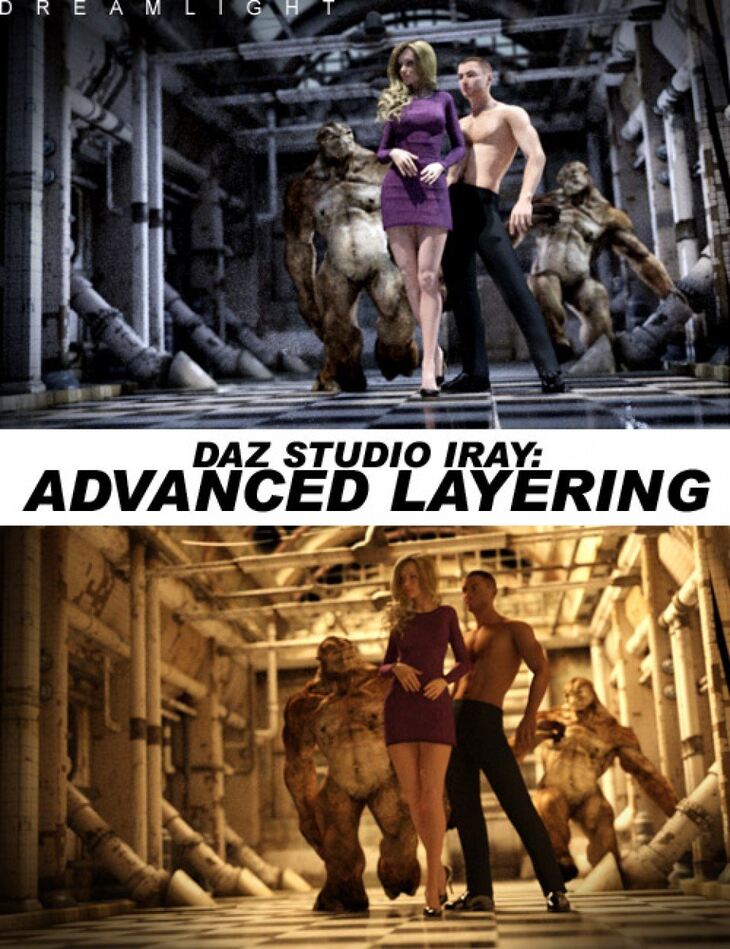
Daz Studio Iray Advanced Layering is a tutorial created by Daz Originals Dreamlight and published on Daz 3D. The package ships 23 files, starting with You get the following: Advanced lighting techniques that work with layering in mind and produce outstanding results, Create better Iray art faster, easier and with more control than ever, How layering Iray can dramatically enhance your art.
If you’re looking to absoutely CRUSH it with Iray, then this step by step video guide will give you the edge you’re looking for. Create the most beautiful and sophisticated Iray lighting, and immediately set yourself apart from other artists by tapping into advanced layering techniques. INTRODUCING: DS Iray Advanced Layering “I have found your training to be well-designed, intelligent and if you’ll excuse the expression, “illuminating”, Angela Knight – New York Times bestselling author
What’s included
- You get the following: Advanced lighting techniques that work with layering in mind and produce outstanding results
- Create better Iray art faster, easier and with more control than ever
- How layering Iray can dramatically enhance your art
- Faking better Iray quality in ways you thought were not possible
- Save tons of time by tapping into advanced Iray layering
- Master layering within DAZ Studio, with advanced lighting techniques that enable you to use each light beyond their limits for multiple uses in a single scene
- BONUS: Layering tricks inside Photoshop that maintaing the Iray look and feel
- and all…!
- MODULE 1: INTRODUCTION TO LAYERS, CREATING, RENDERING & LAYERING WITHIN PHOTOSHOP 01.01 – What Are Layers
- 01.02 – Creating Layers Within DAZ Studio Part 1
- 01.03 – Creating Layers Within DAZ Studio Part 2
- 01.04 – Rendering And Blending Layers Inside Photoshop
- 01.05 – Layering Within Photoshop
- MODULE 2: RENDERING & COMBINING LAYERS & ADJUSTING I RAY BOUNCE EFFECT 02.01 – Rendering And Combining Layers Part 1
- 02.02 – Rendering And Combining Layers Part 2
- 02.03 – Rendering And Combining Layers Part 3
- 02.04 – Adjusting I Ray Bounce Effect
- MODULE 3: ADDING LIGHTING, REMOVING NOISE AND CREATING MULTIPLE LAYERS 03.01 – 3 Ways Of Adding Overall Lighting Using Layers
- 03.02 – Removing Noise In Remarkable Ways
- 03.03 – Creating Multiple Layers Part 1
- 03.04 – Creating Multiple Layers Part 2 Mixing In Photoshop
- BONUS MODULE: PREPARING THE FIGURE, CREATING CONFORMING AND FINISHING THE ARM 04.01 – Alternative Noise Removal
- 04.02 – Adjusting I Ray Bounce Levels
Specifications
- Source: Daz 3D
- Software / install: DIM Manual Install
- SKU: 23738
- Artist: Daz Originals Dreamlight
It is available through 5 mirrors. Registration is free and takes a moment.