DAZ Studio Mastery: Tutorial Set
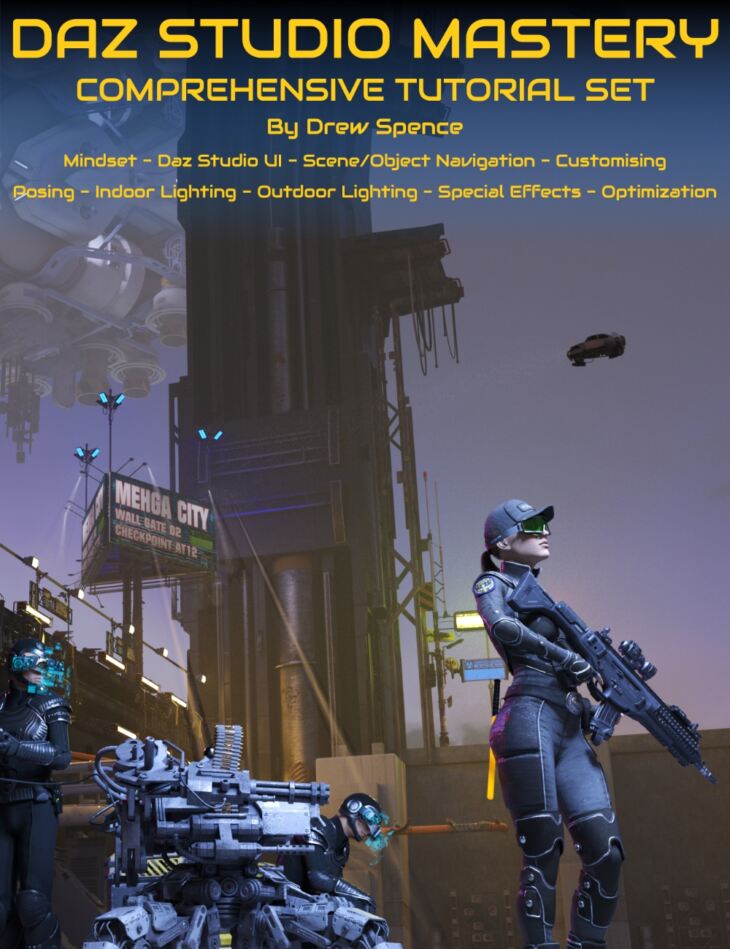
DAZ Studio Mastery: Tutorial Set is a tutorial created by Digital Art Live Griffin Avid and published on Daz 3D. The package ships 44 files, starting with DAZ Studio Mastery Tutorial Set, Video 1 : Mindset, UI : 1 hour 26 minutes (.MP4) ART comprises Approach, Rules, and Techniques (ART) – attitude, understanding the medium, and learning the craft., Validation comes from critics, peers, and viewers – each providing different perspectives..
Do you want to transform your ideas into mesmerizing 3D art? Do you wish to harness the full potential of Daz Studio but find its range of features overwhelming? This tutorial set provides the solution crafted with you in mind. It breaks down the complexities of Daz Studio into digestible segments. With guidance from Drew Spence, you will journey from being a Daz Studio novice to a proficient user, mastering Daz Studio with increased confidence. Discover how enjoyable and gratifying 3D creation can truly be! Drew Spence has used Daz Studio to create hundreds of renders to publish multiple comic book series. As a result he’s streamlined his workflow, hand-picked assets and curated tools that have made creating with Daz Studio faster and with less pain points along the way. Through this course, he shares his approach to creating art with Daz Studio revealing his mindset, top techniques and resources. This tutorial product is aimed at beginners and intermediate users of Daz Studio. Total Duration 11 hours and 22 minutes across a 9 part HD MP4 video set. Part 1: Mindset, Daz Studio UI and Scene/Object Navigation Embrace the ART Methodology: ART as a process for successful artistic creation, where “A” stands for Approach (reflecting the artist’s attitude, values, and definitions), “R” for Rules (understanding the fundamentals of the medium), and “T” for Techniques (learning and applying individual components of creating the artwork). Daz Studio basics and UI: Daz interface, installing and managing content, viewports and workspaces, Align, navigator, translation, scale and surface selection tools. Active pose and spot render tools, lighting basics, and cameras. Master Digital Art Tools & Techniques within Daz Studio: How to maximize the use of Daz Studio by considering the organization and management of your digital content, creation of unique layouts, understanding the properties of 3D objects, and working with different types of texture maps. Improve Workflow with Daz Studio Add-Ons and Techniques: Explore a suite of advanced tools within Daz Studio, such as Mesh Grabber, Active Pose, depth of field effects, texture replacement, and scripting for better control and enhanced creativity. Learn about realistic lighting simulation using iRay Engine and HDRI. Maximize Daz Studio’s Lighting and Rendering Features: Learn how to create professional, realistic lighting in your 3D scenes with Daz Studio’s extensive lighting options. Understand the principles of lighting and apply them using light sets, dome rotation, light probes and more to achieve the desired mood and perception in your scenes. Part 2: Customizing Characters Loading a Character and Starting to Customize: Creating distinct, engaging characters while maintaining the balance of care, control, and content in your artwork. It discusses how unique characters can be designed using various features and settings, with the focus on customization for individuality. Advanced Techniques and Tools for Skin Customization: Learn advanced tools and techniques, including ‘Skin Builder’, ‘Layered Image Editor (LIE)’, ‘Materials Wizard’, and the ‘Merchant Resources’, for creating realistic and unique skin textures, colors, and features for your characters. Deep Dive into Costume and Prop Design: Considering 3D clothes and props with varied textures and depths, utilizing shaders and ‘kit bashing’. It also offers insights into how material and color changes, unique prints or textures, and adjustments in texture tiling can create more individualized and narrative-specific character outfits. Creating Realistic Scenes and Backgrounds: This training guides you through setting up realistic scenes and backgrounds, explaining how details like lighting, environment settings, HD details, and backgrounds can be adjusted for enhanced character representation, and how to solve common issues related to these settings. Guidance on Advanced Artistic Techniques: The course includes advanced techniques for bet
What’s included
- DAZ Studio Mastery Tutorial Set
- Video 1 : Mindset, UI : 1 hour 26 minutes (.MP4) ART comprises Approach, Rules, and Techniques (ART) – attitude, understanding the medium, and learning the craft.
- Validation comes from critics, peers, and viewers – each providing different perspectives.
- ‘Talent’ is the result of hard work and dedication, making complex processes seem effortless.
- The artist’s signature style elicits awe and curiosity.
- The artist must balance innovation and catering to existing fans.
- Clear artistic direction provides focus for decision-making processes.
- Proficiency in DAZ Studio bridges the gap between creativity and output.
- Efficient management of digital content using DAZ Studio interface optimizes workflow.
- DAZ interface, installing and managing content,
- Selection and navigation tools
- Surface selection tools
- Lighting basics and cameras
- Using parameters and surfaces options, DAZ Studio allows control over object properties.
- Tools like Render Spots and Mesh Grabber enable precise adjustments and control.
- Active Pose tool helps to create more realistic body movements and poses.
- iRay Engine simulates light interaction for realistic renders.
- Experimenting with camera views, aspect ratios, and depth of field enhances image output.
- Scripts can be utilized to control character interactions, movements, and poses.
- HDRI provides real-world lighting simulation in a 3D environment.
- Principles of DAZ Studio lighting include realism, aesthetics, and viewer perception.
- Multiple light sets and 3D light set can be used for varied effects and broad illumination.
- Outdoor settings benefit from understanding the impact of sun positioning.
- Dome rotation and sky adjustment give more control over lighting and shadows.
- Probes offer invisible light sources for dark sets or hard-to-light places.
- The viewer’s perception is crucial when creating scenes, combining real, simulated, and perceived lighting.
- “Headlamp” feature can create unnatural lighting effects; it’s advised to turn it off.
- GPU rendering is more efficient than CPU rendering in DAZ, especially with NVIDIA cards.
- Video 1a (supplement) : Scripts : 19 minutes (.MP4) DAZ Studio’s functionality can be enhanced with non-native scripts, available from external sources such as the DAZ forums.
- Downloaded scripts come as zipped files and often include a license and interface; extract these into a designated folder.
- Where NOT to install scripts.
- How to streamlining script accessibility.
- Scripts can be manually installed and accessed through the content manager, enhancing DAZ Studio scenes.
- Scripts example : “Look at Me”.
- Video 2 : Customising Characters : 1 hour 37 minutes (.MP4) Being an artist involves clear decisions and a balance of care, control, and content.
- Care refers to the attention to the art, while control relates to mastering tools like DAZ, and content is about creating something meaningful.
- Art should tell a story, entertain, and evoke emotions, relying on the artist’s talent, attitude, and relationships.
- The characters chosen by the artist can significantly influence the conveyed story, and artists can modify or create characters from scratch.
- Character customization provides uniqueness to narratives, and it is critical to give your characters identifiable features to distinguish them from standard assets.
- Customization is essential for characters that feature in multiple stories or are integral to the plot.
- Features such as skin, material, size, and shape can all be adjusted to personalize characters.
- Advanced tools like ‘Skin Builder’ and Genesis figure system in Daz Studio help create custom skins and realistic characters.
- DAZ Studio also allows age morphing, adjusting the character’s appearance to be younger or older.
- The Layered Image Editor (LIE) allows advanced editing like tattoo application, while the Material Wizard offers a more user-friendly interface for similar adjustments.
Specifications
- Source: Daz 3D
- Software / install: DIM Manual Install
- SKU: 90772
- Artist: Digital Art Live Griffin Avid
The file is mirrored on 6 hosting services; a free account is required to download.