Daz Studio Training Intermediate 01 – Tweaking the Surfaces
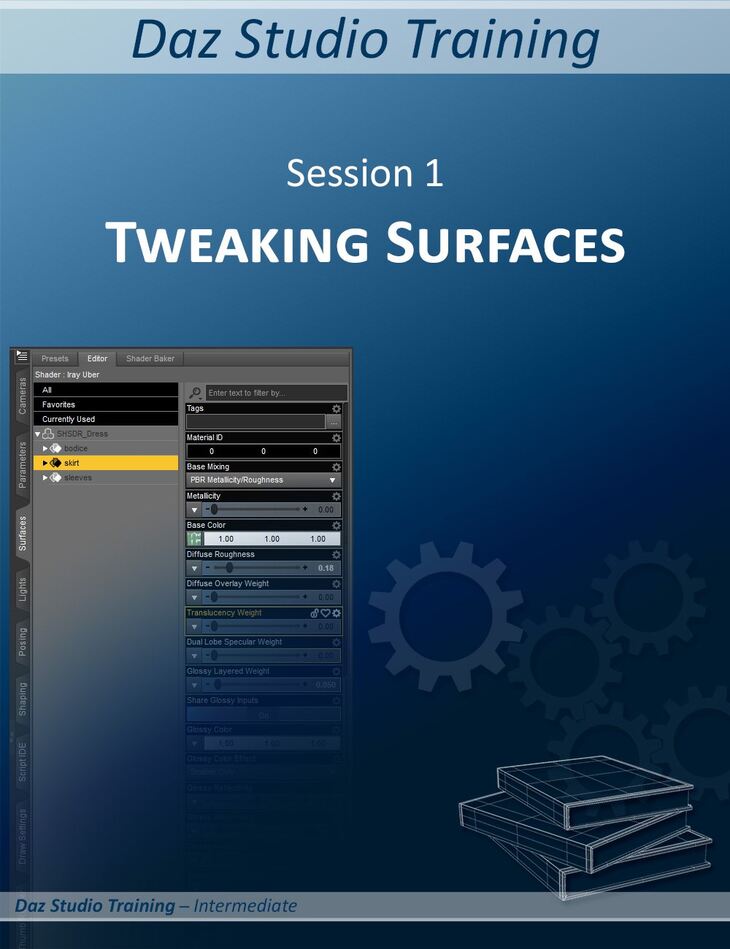
esha released Daz Studio Training Intermediate 01 – Tweaking the Surfaces on Daz 3D. The package ships 7 files, starting with Daz Studio Training Intermediate 01 – Tweaking the Surfaces, Movies (.MP4) Total Running time 1 Hr 09 Minutes: Session 1a – Converting Old Shaders To Iray (29 minutes), Session 1b – Dirt and Glamour (15 minutes).
Have you made your first steps in Daz Studio? Would you like to expand your skills? This tutorial will show you how to get more out of your content. Learn how to customize and adapt the content you have. This training series goes beyond a traditional tutorial. It consists of two parts: The Videos: The PDF Companion File: This session is focusing on surface settings. It is about the Iray Uber shader and how to tweak its various settings to create alternate looks. It is NOT an in-depth discussion of all the available shader settings but focuses on those you’ll use most frequently, and it covers some materials you will come across again and again in your scenes: metal, non-metallic surfaces, glass, glowing surfaces, and shiny and rough fabrics. Learn how to: Recommended for users who have already made their first steps in Daz Studio. Required skills: Loading items into a scene, selecting items and surfaces, rendering.
What’s included
- Daz Studio Training Intermediate 01 – Tweaking the Surfaces
- Movies (.MP4) Total Running time 1 Hr 09 Minutes: Session 1a – Converting Old Shaders To Iray (29 minutes)
- Session 1b – Dirt and Glamour (15 minutes)
- Session 1c – Glossy Fabrics (17 minutes)
- Session 1d – Rough Fabrics (6 minutes)
- Bonus: Preset Favorites (2 minutes)
- Documentation: (.PDF) Intermediate Session 01 Tweaking Surfaces
Specifications
- Source: Daz 3D
- Software / install: DIM Manual Install
- SKU: 72795
- Artist: esha
It is available through 9 mirrors. Registration is free and takes a moment.