DForce Magnet (2021-07 Update)
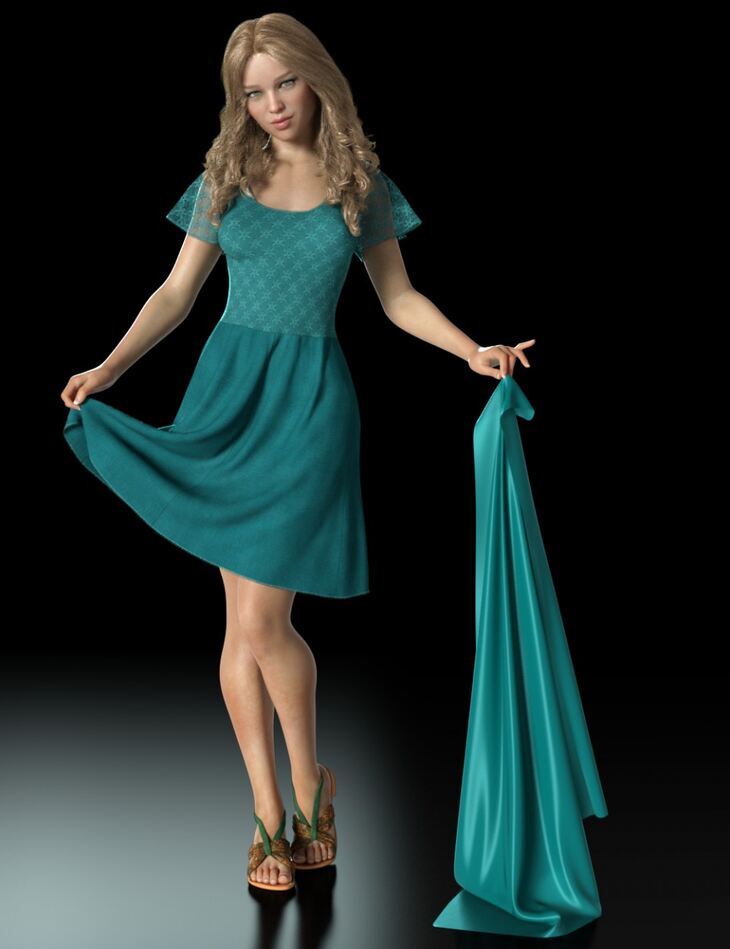
From RiverSoft Art esha comes DForce Magnet (2021-07 Update), a tool available on Daz 3D. It contains 13 files; the list begins with dForce Magnet: dForce Magnet Script, User Guide PDF, Link to User Guide Video.
Take control of your dForce simulations with the new dForce Magnet from Esha and RiverSoft Art! The dForce Magnet allows you to precisely control dForce simulations by allowing you to “grab” fabrics and hair and influence their movement. The dForce Magnet script creates a special handle in your scene tied to a specific vertex in your surface. Move the dForce Magnet around in your timeline dForce simulations and move that vertex, affecting the entire dForce object. Use dForce Magnet to create never before possible movement or subtly enhance the default simulations. The dForce Magnet can: – Precisely drape your fabrics on objects in your scene – Have a character appear to be lifting up their skirt or opening their shirt – Move individual hair strands … endless possibilities! Take your dForce simulations beyond the ordinary by using the dForce Magnet, all within Daz Studio!
What’s included
- dForce Magnet: dForce Magnet Script
- User Guide PDF
- Link to User Guide Video
- Useful Presets: Presets for Fabric Properties: Fabric Friction Low
- Fabric Friction Default
- Fabric Weight Low
- Fabric Weight Default
- Collision Presets Ignore Left Hand
- Collide With Left Hand
- Ignore Right Hand
- Collide With Right Hand
- Visibility Presets: Visible in Render
- Invisible in Render
Specifications
- Source: Daz 3D
- File format: DUF
- Software / install: Daz Connect DIM Manual Install
- SKU: 58367
- Artist: RiverSoft Art esha
The file is mirrored on 6 hosting services; a free account is required to download.