Easy Modeling And Morphing With Blender
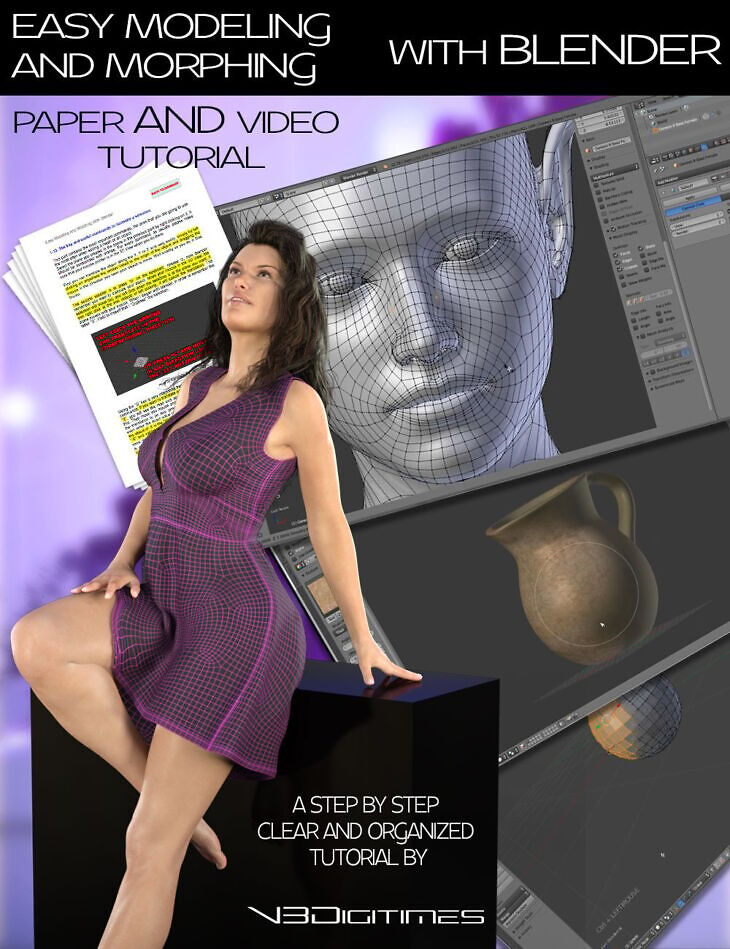
From V3Digitimes comes Easy Modeling And Morphing With Blender, a tutorial available on Daz 3D. The download holds 81 items, among them 137 pages of Documentation (.PDF) Summary, Installation, Interface, First Objects Manipulations, Base Commands To Create And Edit Meshes.
The purpose of Easy Modeling And Morphing With Blender is to turn any complete 3D beginner into someone who will be able to easily create and even texture his own models, and also to easily create morphs and modifications for already existing Daz Studio -or other – models, all this using in the free 3D application : Blender. In order to provide the most efficient learning curve for everybody, the tutorial comes in two versions, a paper (pdf) version, and a set of eight video files. The paper version includes a summary which is completely both bookmarked and linked to the pages of the document. For the videos, a detailed table of content is included in the product, so that when you search for an information, you can find it in the blink of an eye the exact video and the exact time code for it. Too often, people give up using Blender because they find it difficult to learn, probably because Blender can do so many things : modeling, texturing, rendering, animation, physics, particles, game engine… I learned Blender alone seven years ago, and I use it today to create all my content, and I can tell you this is a very easy to use and efficient 3D modeling software. In this tutorial I not only share what I learned, but I also guide you precisely into the process of learning Blender in a methodic way, so that you progressively understand the key bases of this software, always focusing on what you need to create models and morphs for Daz Studio. You will learn step by step how to customize and move in the interface, to move in the 3D View, to select objects and parts of mesh, to add or remove objects or parts of mesh, to edit and transform objects and selections in the meshes. Knowing all that, two examples of modeling of basic objects, and two examples of morphing figures will allow you to use once again all you learned, but will also introduce some new elements, such as UV unwrapping and texture painting. Of course the tutorial explains the import/export settings between Daz Studio and Blender, and how to save properly in Daz Studio the content created, prop or morph, for later use or for content sharing/selling. You may simply want to complete a scene with an object which you cannot find on the market, or maybe create a unique character of your own by developing the morph you imagine for him or her. You may eventually want to adjust some outfits either in order to remove poke through or to provide to them an unequaled touch or realism. You may also like to go from simple 3D hobbyist to professional 3D content creator. Whatever the case you are in, you will find the all keys you need to reach your goal in these tutorials. This tutorial is made based on the commands and interfaces of Blender versions 2.5 up to 2.78. Even if they remain similar to the new versions of Blender concerning a lot of points, you have to know all Blender versions above and including Blender 2.79 present differences in some commands, interface, and options. If you want to learn with this tutorial before switching to Blender 2.79 or above, it highly is recommended to download and to work with the latest release totally compatible with the tutorial, which is Blender 2.78, and which is available on the Blender website. The transition from Blender 2.78 to Blender 2.79 or above is easy once you learned and practiced a bit the basics in Blender 2.78. Anyway, from beginners to advanced users, using the Blender 2.78 of this tutorial is really sufficient to fulfill all your needs in terms of modeling and morphing.
What’s included
- 137 pages of Documentation (.PDF) Summary
- Installation, Interface, First Objects Manipulations
- Base Commands To Create And Edit Meshes
- Example Of Basic Modeling : Table
- Example Of Basic Modeling : Objects with curvy shapes
- Morphing Or Modifying Daz Studio Figures and Objects In Blender
- Conclusion
- The Detailed Table Of Content Of The Video Files (.PDF)
- 6 hours 15 minutes of Video Tutorial divided in 8 Videos (resolution 1920×1080)
- Video 1 : Installation And Move In The 3D View (.mp4) Duration 14 minutes
- Download and Install
- Zoom In Out, Rotate, Translate The View
- Front/Back/Bottom/Top/Left/Right View
- Middle Mouse Button and Numerical Pad Actions Summary
- Video 2 : Interface Customization And Key Remapping (.mp4) Duration 12 minutes
- The Key Layouts
- Interface Presentation and Customization
- Key Remapping
- Video 3 : Selection Tools / Add and Delete Objects or Parts of a Mesh (.mp4) Duration 32 minutes
- Object Mode Versus Edit Mode
- Vertex, Edge, Face Selection Mode
- All the Selection Tools
- Add or Remove Elements in the Scene
- The Snap Function
- Import a Mesh
- Join/Split/Duplicate
- Extrusions
- Video 4 : Base Transforms and Sculpt Tools (.mp4) Duration 44 minutes
- Scale, Translate, Rotate an Object In Object Mode
- Proportional Editing Tool in Object Mode
- Scale, Translate, Rotate a Selection in a Mesh
- Activate Symmetry in a Mesh
- Smoothing Parts of a Mesh and its Drawbacks
- Shrink/Fatten a Selection in a Mesh
- Activation Of Loops Tools and Relax Tool
- Sculpt Mode and Multiresolution Modifier
- Sculpt Tools
- Video 5 : Your First Simple Model Duration 1 hour 11 minutes
- Prepare a Mesh for Symmetry
- Use of the Mirror Modifier
- Create your mesh
- UV Unwrap the model (Add Seams/Unwrap)
- Check the UV set
- Scale and Export
- Import and Save as a Prop in Daz Studio
- Video 6 : Your Second More Complex Model Duration 1 hour 31 minutes
- Use Background Images For Reference
- Extrude a Profile Of Edges
- Spin a Selection around an Axis
- Handle Double Vertices and Normal Orientation
- Add Bevel to Sharp Border
- Turn Tris Into Quads
- Classical and Cylindrical UV Unwrapping
- Paint the Texture Directly on the object
- Export / Import In Daz Studio
- Move And Apply the Painted Texture Map
- Save Properly as a Prop in Your Content
- Video 7 : Morphing a Base Figure Duration 1 hour 05 minutes
- Understand What is a Morph
- Prepare the Scene and Figure For Export
- … and 21 more items in the archive.
Specifications
- Source: Daz 3D
- Software / install: DIM Manual Install
- SKU: 46417
- Artist: V3Digitimes
It is available through 3 mirrors. Registration is free and takes a moment.