Geoshell Visibility Presets
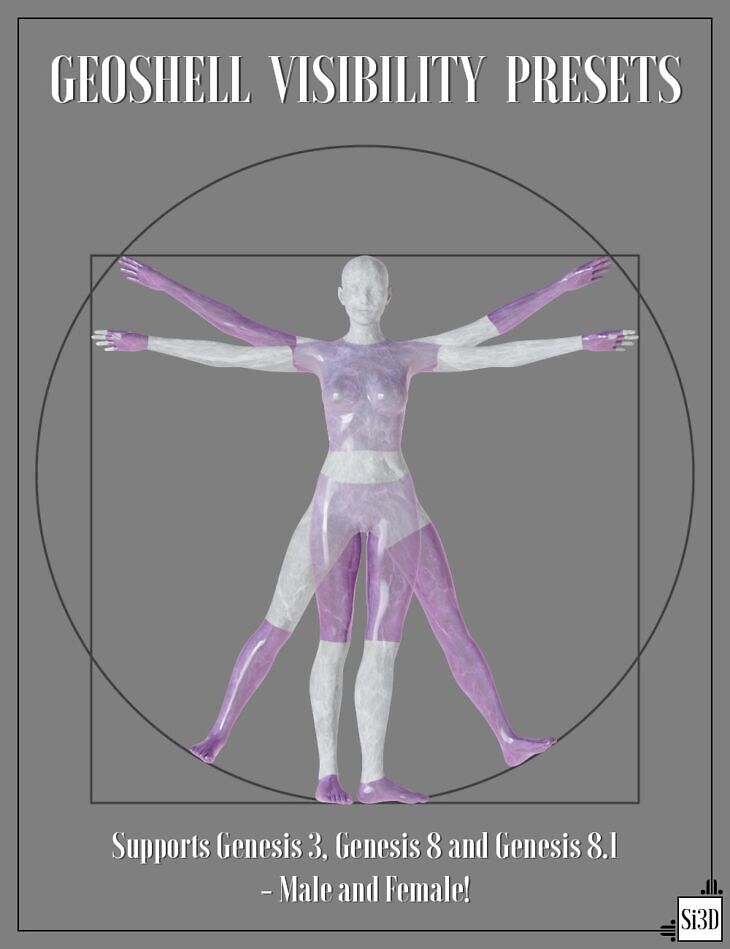
Published on Daz 3D, Geoshell Visibility Presets is Silas3D’s tool for Genesis 3 Female, Genesis 3 Male, Genesis 8 Female, Genesis 8 Male, Genesis 8.1 Female, Genesis 8.1 Male. It contains 39 files; the list begins with Geoshell Visibility Presets, All – OFF, All – ON.
Have you ever wanted to hide parts of a figure Geometry Shell but are tired of having to toggle each surface or face group individually? Not anymore!
Geoshell Visibility Presets allow you to quickly and easily hide multiple shell surfaces or face groups, with a collection of presets covering all parts of the body.
What’s more, this product has multi-generation figure support and works for Genesis 3, Genesis 8, and Genesis 8.1 — Male and Female!
What’s included
- Geoshell Visibility Presets
- All – OFF
- All – ON
- Arms: Arms – Left OFF
- Arms – Right OFF
- Fingernails
- Gloves – Fingerless
- Gloves – Forearm Length
- Gloves – Shoulder Length
- Gloves
- Head: Ears
- Eyes – Left OFF
- Eyes – Right OFF
- Eyes
- Face
- Head Surface – OFF [8.1]
- Head
- Lips
- Mouth – Lining
- Mouth
- Teeth – Lower
- Teeth – Upper
- Teeth
- Tongue
- Legs: Feet
- Leggings
- Legs – Knee High
- Legs – Left OFF
- Legs – Right OFF
- Legs
- Shorts – Cycling
- Shorts – High Waist
- Shorts – Low Waist
- Toenails
- Torso: Body Surface – OFF [8.1]
- T-Shirt – Cropped
- T-Shirt
- Torso
- Documentation: GVP Guide.PDF
Specifications
- Source: Daz 3D
- Compatible figures: Genesis 3 Female, Genesis 3 Male, Genesis 8 Female, Genesis 8 Male, Genesis 8.1 Female, Genesis 8.1 Male
- File format: DUF
- Software / install: Daz Connect DIM Manual Install
- SKU: 84532
- Artist: Silas3D
Download links for 7 mirrors are listed below.