Killer Lighting – Lighting for Photorealistic Renders – Part 4 Interior Lighting
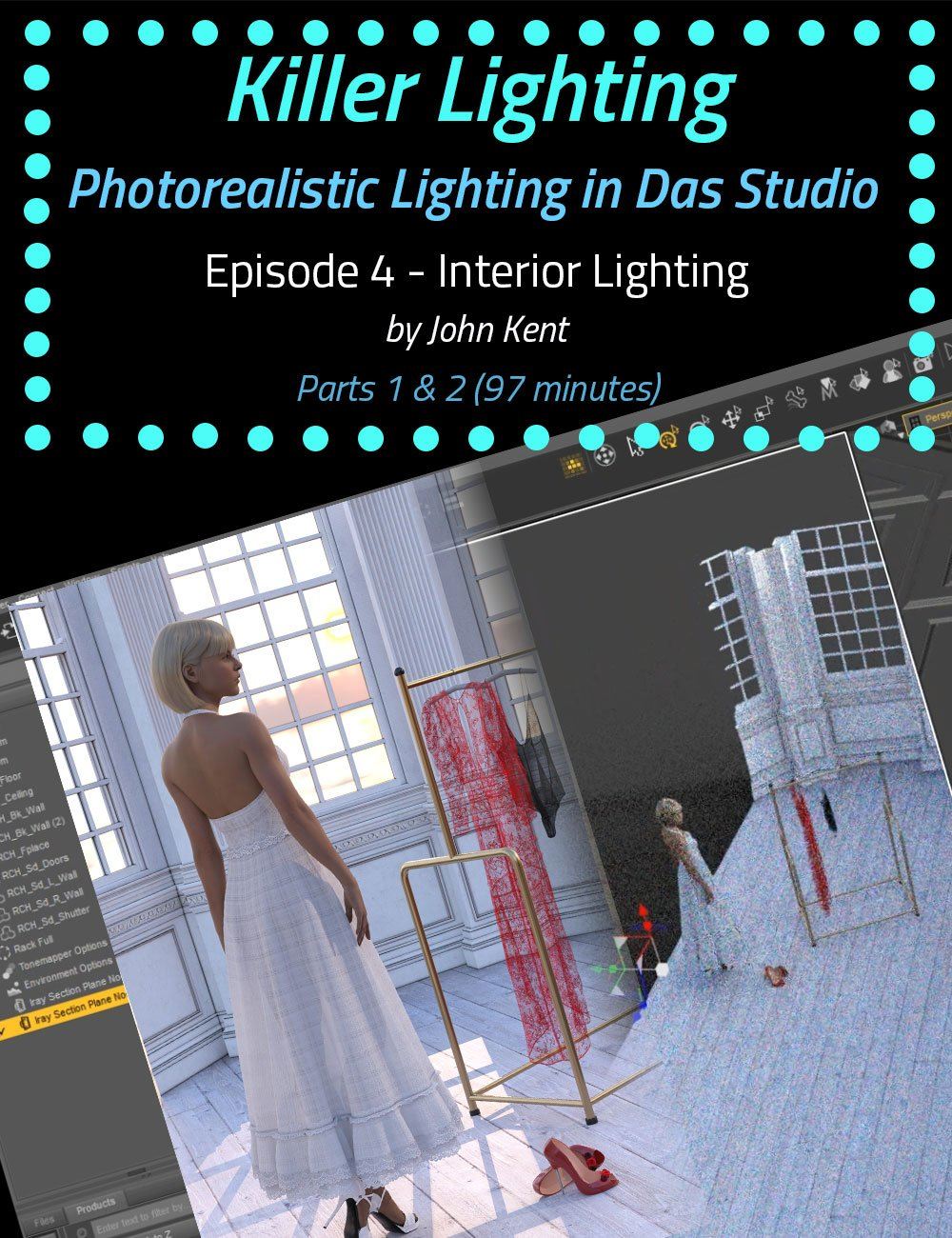
Cgan released Killer Lighting – Lighting for Photorealistic Renders – Part 4 Interior Lighting on Daz 3D. It contains 79 files; the list begins with Interior Lighting (two parts), Part 1 : 54 minutes (.MP4) 00:00:00 Intro, 00:01:10 Rendering Interior settings.
Have you ever rendered a scene in Daz Studio and wondered where the light’s coming from? How to control it? How to make it brighter, darker, moody, sultry, or action-packed? Of course you have. That’s the reason most of us are creating digital artwork! Once we have the pose right, the scene set, and the characters in place, clothed, makeup applied, hair coiffed just so, with a sultry expression, it’s time to bring the scene to life, and you can’t do that without light and – a key ingredient in John’s technique – shadows . Light focuses our attention on the key shapes in a scene, and shadows give definition and depth . Without good lighting, your renders will be flat and unappealing. Working exclusively with the Iray Render Engine , we use real-world lighting techniques. In terms of terminology and the types of lights we put into our scenes, we use softboxes, reflectors, color temperature, high-key, low-key, studio portraiture, bodyscaping, Rembrandt lighting, using a mirror as a backdrop, god rays, and haze. We know what the rules are and when to break them. John expertly takes you through examples of these kinds of lighting and more. John creates the renders using only Daz Studio and freely downloadable lighting resources (such as HDRI files). You won’t need to use third-party software like Photoshop. Did you know that there are 2 separate f-stop parameters in different parts of the Daz Studio interface , one that controls depth of field and one that controls scene brightness? John clearly explains these and the other parts of Daz Studio that make lighting confusing, highlighting the key parameters that actually make a big difference to a scene. Painting with light is an artistic skill that the movie industry has long recognized as key to creating mood and feeling. Understanding the settings and how and when to use them will help you to create more photorealistic renders without the frustration of adding light after light to a scene without knowing in advance what they will actually achieve. After getting to grips with digital lighting mechanisms and the relevant Daz controls, John describes several rules that help you avoid common lighting errors, such as boring ‘flat’ light and shadows that go in impossible directions. Crucially, John explains when to break the rules and shows how lighting techniques that look terrible in some scenes can make others pop with energy. Note: Although this product is available by single episodes, we highly recommend purchasing the bundle because each episode builds on information from the previous and, for time considerations, is not repeated in every episode. Bonus for Bundle purchasers: We have included the custom IES Profiles that are demonstrated in Episodes 4 and 5. All in all, there are over 8 hours of content that will leave no question in your mind about how to light whatever scene you have in your imagination. Each episode is professionally edited, sound balanced, and closed-captioned for ease of search and all include a PDF index of key points for ease of reference. Part 4 – Interior Lighting (1 hour 37 minutes) Next, we move indoors. Creating an indoor scene inside has a whole new set of challenges, mostly in the way of working with (or getting rid) of the walls. Sometimes, depending on the model, it’s as easy as turning off the roof and the 4 walls, but in many more models, that’s not possible because it’s been built as a single object. What do you do then? John has the answer and explains how to use simple but little-known Daz tools to get HDRI light inside a room. You have to see this in action to believe how easy it actually is. John creates 4 very different lighting looks, each with its own unique challenges: Sun streaming through a window to create a pattern of windowpane shadows, a harshly-lit hotel room, contrasting colors, and sci-fi lighting. John introduces a new key technique in this episode, the use of IES profiles so that artificial lights in a scene (
What’s included
- Interior Lighting (two parts)
- Part 1 : 54 minutes (.MP4) 00:00:00 Intro
- 00:01:10 Rendering Interior settings
- 00:02:06 Study 1 : Sunset through a window
- 00:03:20 Problem with Walls
- 00:03:50 Getting rid of the walls
- 00:04:13 Using the Iray Section Plane Node
- 00:08:21 Using the Section Plane Node to “remove” walls
- 00:11:53 DS Dome and Scene Lights only
- 00:12:15 Effects of “Draw Dome On”
- 00:14:50 Light Passes through Section Planes
- 00:15:30 Changing the HDRI File
- 00:17:54 Adding a “Fake” Sun
- 00:21:27 The HDRI as a Fill Light
- 00:21:39 Using a Point Light to eliminate shadows
- 00:21:57 Changing the Point Light geometry
- 00:23:00 Adding a Rim Light
- 00:25:19 Use color temperature to mimic sunset
- 00:26:05 The Effects of changing the color temperature
- 00:26:32 The subjects back is still non-descript
- 00:27:23 Adding a reflector to maintain realism
- 00:30:02 Don’t add lights if it’s not realistic
- 00:30:43 Study 2 : Secret Agent in a Hotel Room
- 00:30:48 Light Portals
- 00:33:00 Indoor, Artificial lighting
- 00:34:39 Tips for working with multiple lights
- 00:35:15 Replace the default HDRI
- 00:35:54 Fix the lighting direction
- 00:36:51 Details in the shadow
- 00:38:12 The Lamp is acting like the Key Light
- 00:38:42 What is an IES Profile?
- 00:41:23 Creating your own IES Profiles
- 00:42:26 Using an IES Profile in DS
- 00:43:13 Adding and positioning a point light
- 00:44:29 Changing the color temperature
- 00:44:59 Loading the IES Profile
- 00:45:27 Effects of the IES Profile
- 00:45:47 Moving the Profile to match the lamp
- 00:46:59 Turning off the emission of the light
- 00:48:18 Lightening the scene with F-Stop
- 00:49:00 Caustic Effects of Light passing through glass
- 00:49:39 Knowing when to stop
- 00:51:00 Crushing Blacks
- 00:51:20 Burning Highlights
- 00:52:27 What types of lights can accept an IES Profile?
- 00:53:30 Products used in the production of this tutorial
- Part 2 : 43 minutes (.MP4) 00:00:00 Intro
- 00:01:18 Study 3 : Escaping the Cyborg
- 00:01:51 Decide on the desired lighting design
- 00:02:38 How this set was constructed
- 00:03:48 Set up the environment mode
- 00:05:29 Increase the ISO to bring up the detail
- 00:06:07 Creating and emissive light
- 00:07:34 Adding an IES Profile
- 00:08:36 Copying emissive properties
- 00:09:29 Adding a Key Light on the Cyborg
- 00:11:02 Increase the Point Light lumens
- 00:12:27 Why chose point vs spot lights
- 00:13:41 A point light will take an IES Profile
- 00:14:34 Spot vs point example
- … and 19 more items in the archive.
Specifications
- Source: Daz 3D
- Software / install: Daz Connect DIM Manual Install
- SKU: 81790
- Artist: Cgan
It is available through 3 mirrors. Registration is free and takes a moment.