Prop Minion
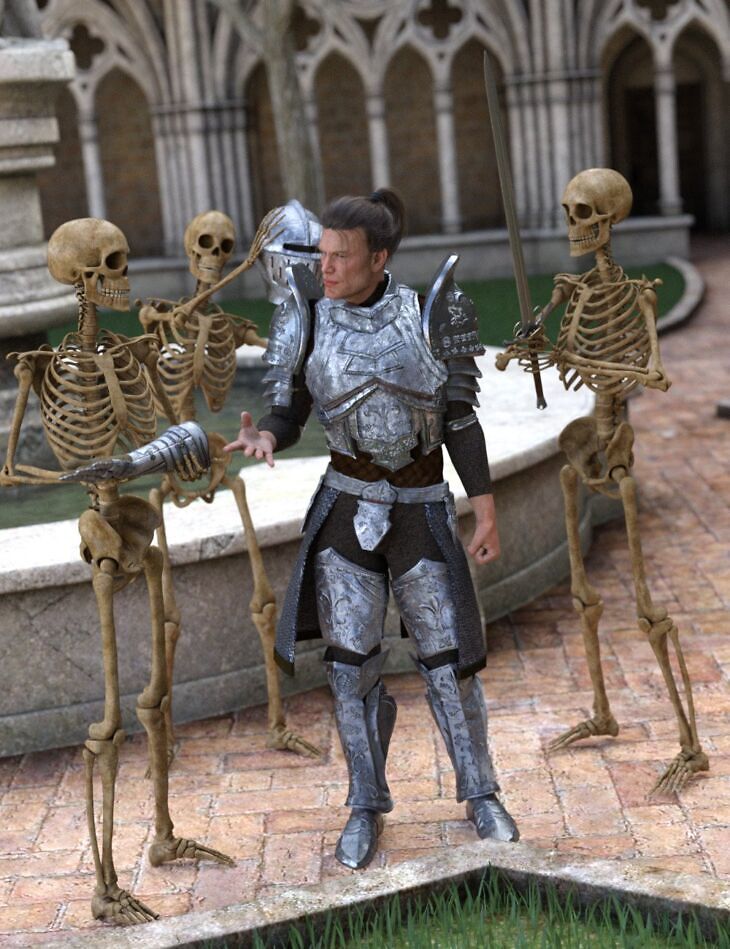
Prop Minion is a prop set that RiverSoft Art built for Genesis, Genesis 2 Female, Genesis 3 Female, Genesis 3 Male, Genesis 8 Female, Genesis 8 Male, Genesis 8.1 Female, Genesis 8.1 Male, Genesis 2 Male, Genesis 9, Michael 4, Victoria 4; it is distributed through Daz 3D. It contains 4 files; the list begins with Prop Minion, Scripts: Prop Minion Script, Prop Minion Install Custom Actions Script.
Have you ever wanted to load Genesis 8 props and accessories onto a Genesis 9 figure but they always load onto the incorrect bones and the incorrect place because the bone names are different? Have you ever wanted to delete all the props and accessories from a figure, no matter where in the bone hierarchy they are hiding? Have you ever wanted to copy a perfect kit-bashed outfit to another figure in your scene? Have you ever wanted to easily set up your Bone Minion so that you can use those Hierarchical Poses easily? Then Prop Minion is for you! Quickly and easily use props and accessories* for any figure generation with Prop Minion! Copy, move, and delete props and accessories, and even clothing items, between figures. With Prop Minion, there is no need to convert props and accessories; rather, leverage the power of the Bone Minion products you own for on-demand “conversion”, to properly position and use your props and accessories with no fuss or bother. By using Prop Minion, you can quickly use beautiful jewelry, hats, and swords on your Target Figure. It also helps you set up your Bone Minion and Target Figure so that Hierarchical Poses can properly transfer from your Bone Minion to the Target Figure, expertly positioning and orienting the props on your Target Figure. Prop Minion will work with any Bone Minion and Target Figure that you have installed. Prop Minion requires Bone Minion products to operate for copying and moving props and accessories between figure generations. Copying and moving props, accessories, and clothing from two figures of the same generation does not require Bone Minion products. * Props and accessories that have no rigging, or rigging different from the figure (i.e., non-clothing). Clothing items are not converted, they are just copied or moved. If the figure generation is different, you will see the Daz Studio AutoFit dialog appear for each clothing item. Please set the options as you would normally.
What’s included
- Prop Minion
- Scripts: Prop Minion Script
- Prop Minion Install Custom Actions Script
- Detailed User Guide (.PDF)
Specifications
- Source: Daz 3D
- Compatible figures: Genesis, Genesis 2 Female, Genesis 3 Female, Genesis 3 Male, Genesis 8 Female, Genesis 8 Male, Genesis 8.1 Female, Genesis 8.1 Male, Genesis 2 Male, Genesis 9, Michael 4, Victoria 4
- Software / install: Daz Connect DIM Manual Install
- SKU: 101092
- Artist: RiverSoft Art
The file is mirrored on 3 hosting services; a free account is required to download.