RSSY Hair Converter from Michael 4 to Genesis 8 Male
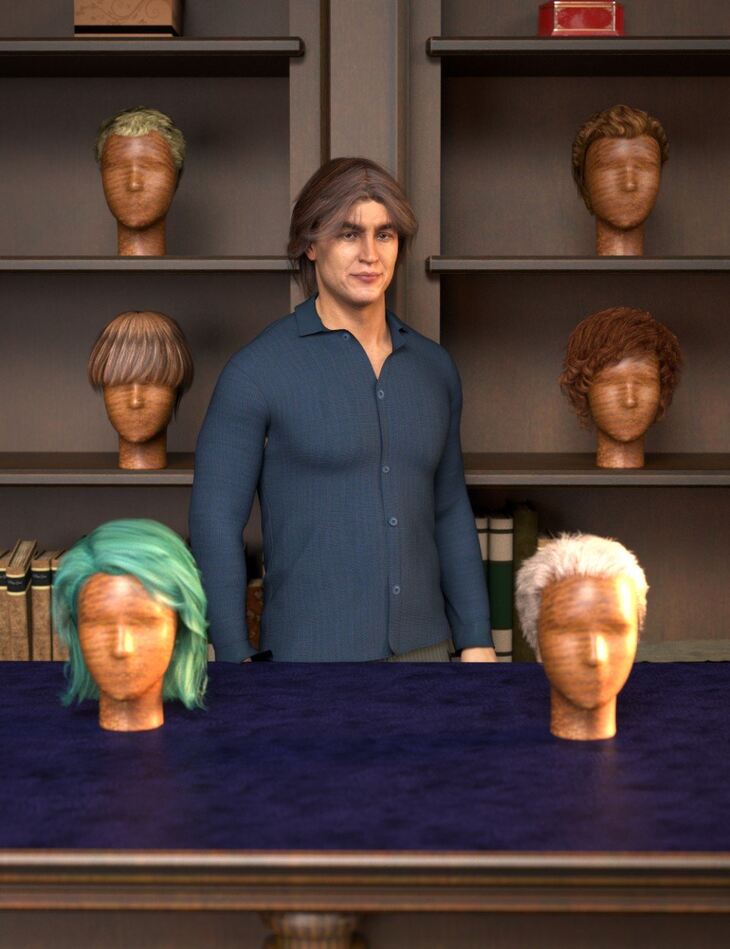
RSSY Hair Converter from Michael 4 to Genesis 8 Male is a tool for Genesis 8 Male, Genesis 8.1 Male, created by RiverSoft Art Sickleyield and published on Daz 3D. The download holds 2 items, among them RSSY Hair Converter from Michael 4 to Genesis 8 Male: (.DSE) Hair Converter Script, Detailed User Guide (.PDF).
Use your favorite Michael 4 hair on your Genesis 8 Males! Automatically convert almost your entire library of Hair items using the new Hair Converter from Michael 4 to Genesis 8 Male! The Hair Converter scripts provide batch execution for automatically converting your Michael 4 Hair to Genesis 8 Male. Easily select the hair items in your library, select an output directory, and execute the script. Even better, icons and categories (where present) are copied from your original Michael 4 hair to the new Genesis 8 Male hair items. Your new Genesis 8 Male hair is Smart Content-aware! They will show up when you select a Genesis 8 Male. Plus, all materials shown in Smart Content for your Michael 4 item will show for your converted Genesis 8 Male item. Items without metadata can be converted but will not show up in Smart Content. They may also need to be converted using a Force Convert Item(s) button. TIP: When converting textures to Iray on older hairs, sometimes turning down Cutout Opacity in your Surfaces tab can help decrease the appearance of sharper strands!
What’s included
- RSSY Hair Converter from Michael 4 to Genesis 8 Male: (.DSE) Hair Converter Script
- Detailed User Guide (.PDF)
Specifications
- Source: Daz 3D
- Compatible figures: Genesis 8 Male, Genesis 8.1 Male
- File format: DUF
- Software / install: Daz Connect DIM Manual Install
- SKU: 63285
- Artist: RiverSoft Art Sickleyield
Download links for 4 mirrors are listed below.