Toolbox Treasures : Super Scripts for DAZ Studio
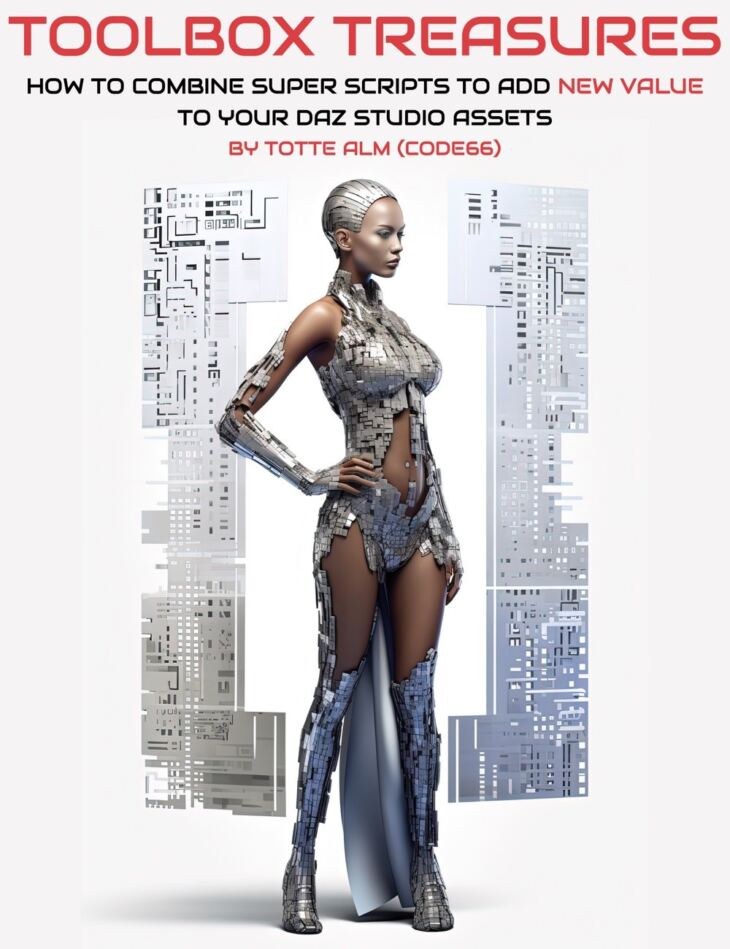
From Code 66 Digital Art Live comes Toolbox Treasures : Super Scripts for DAZ Studio, a tutorial available on Daz 3D. The download holds 59 items, among them Toolbox Treasures : Super Scripts for DAZ Studio, Video 1 : 32 minutes (.MP4) 00:00 Introduction, 00:01 Advanced Materials Converter used on Stonemason’s Modular Sci-fi Kit 01.
There are a number of super smart scripts that Code 66 has written to make tedious tasks easier in DAZ Studio as well as enrich your existing (including legacy) content .
He has released a series of script volume “toolboxes” in the DAZ 3D store that include some of his most useful scripting gadgets to date.
In this tutorial he goes over eight case studies, where he spruces up legacy content, enhances that content with advanced materials and shows new powerful controls over that content across a range of scenes demonstrating how to use his scripts in combination.
What’s included
- Toolbox Treasures : Super Scripts for DAZ Studio
- Video 1 : 32 minutes (.MP4) 00:00 Introduction
- 00:01 Advanced Materials Converter used on Stonemason’s Modular Sci-fi Kit 01
- 00:01 Set the .DUF folder
- 00:02 Dealing with emissives
- 00:03 Importance of properly named material zones
- 00:04 Conversion of the set
- 00:05 A shout out to Lyrra Madril
- 00:07 Load an Iray converted floor piece from Modular Sci-fi Kit 01 to demonstrate how it looks now.
- 00:08 Create a square merged prop from the floor piece using Props Merger
- 00:10 Q&A on the Advanced Materials Converter
- 00:13 Use Dungeon Builder to take converted/grouped props from Sci-fi kit 01
- 00:15 Demo of Dungeon Set Builder
- 00:17 Demo of Dungeon Generator
- 00:18 Question on Props Merger
- 00:22 3D Dungeon Scene now built in DAZ
- 00:22 Adding tags to certain part of the set
- 00:24 Dungeon Builder : Like UltraScenery for Buildings!
- 00:27 Demonstration of Grid Spawn inside the new scene
- 00:28 Sci-fi cylinder props spawned
- 00:29 Apply Random Rotate to spawned props (instances)
- 00:30 Use Stack’em up to add stacks of props into the scene.
- 00:31 Using Tags invisibility
- Video 2 : 51 minutes (.MP4) 00:00 Using Toolbox Scripts with UltraScenery
- 00:01 Load a road scene. Consider making a “messy” road with potholes and other features on a road.
- 00:01 Create a cube primitive and scatter this using UltraScatter across the road.
- 00:05 Use Decals Distributor to create a messy road
- 00:07 Use masks with Decals Distributor.
- 00:08 About Martin J Frost’s Tire-tracks-and-road-rut-decals
- 00:10 Decals Distributor
- 00:12 Add ruts and tyre tracks to the road
- 00:13 Why cubes are used for the markers
- 00:15 Rendered result of messy road.
- 00:16 Decals Distributor can be used for realism in UltraScenery
- 00:19 Legacy Set Converter to work on a crossbow prop (can work on old DAZ or Poser formats)
- 00:21 Resulting conversion – check the bones. See how it renders with the original older materials.
- 00:22 Use Advanced Materials Converter
- 00:22 Materials/maps discussion on older content
- 00:23 Map the old materials to new.
- 00:25 Now converted. Compare with a new render
- 00:27 Using Meshgrabber / Geometry editor to create a mini terrain tile.
- 00:29 Apply a Substance ground material.
- 00:29 Apply Gridspawn to make a large scale terrain with the tile.
- 00:31 Decals Distributor could then be applied on the terrain.
- 00:32 Using Meshgrabber in combination with Geometry Editor
- 00:34 Add a figure to the scene.
- 00:35 Use Pins Manager (Toolbox Set 3) to lock the character’s hands and feet in place.
- 00:35 Other parts of the figure can be pinned down – great for posing.
- 00:36 Ideas for scenes using this tool
- 00:37 Load a rope prop
- 00:38 Totte shows how Bend Manager is often used by Published Artists to save time.
- 00:40 Bend Manager also caters for side-side and twist orientations
- 00:42 Now run Legacy Set Converter on Stonemason’s Streets of New York. This script rescues content in the old Studio .daz format, or Poser .cr2 or .pp2 format.
- 00:44 Now apply Advanced Materials Converter to the converted “Streets of New York”
- 00:47 Use a light set to show the new set in an Iray render.
- 00:48 Demonstration of Line’em up – a tool for placing decals or props in lines, curves or even spirals!
- 00:49 Build a curved line and place some primitive cubes
- 00:50 Stonehenge pattern example
- Documentation : SearchableVideoLinks.PDF Single PDF document containing links for keyword searchable versions of these tutorial videos
Specifications
- Source: Daz 3D
- Software / install: DIM Manual Install
- SKU: 90255
- Artist: Code 66 Digital Art Live
The file is mirrored on 3 hosting services; a free account is required to download.