Turbo Content
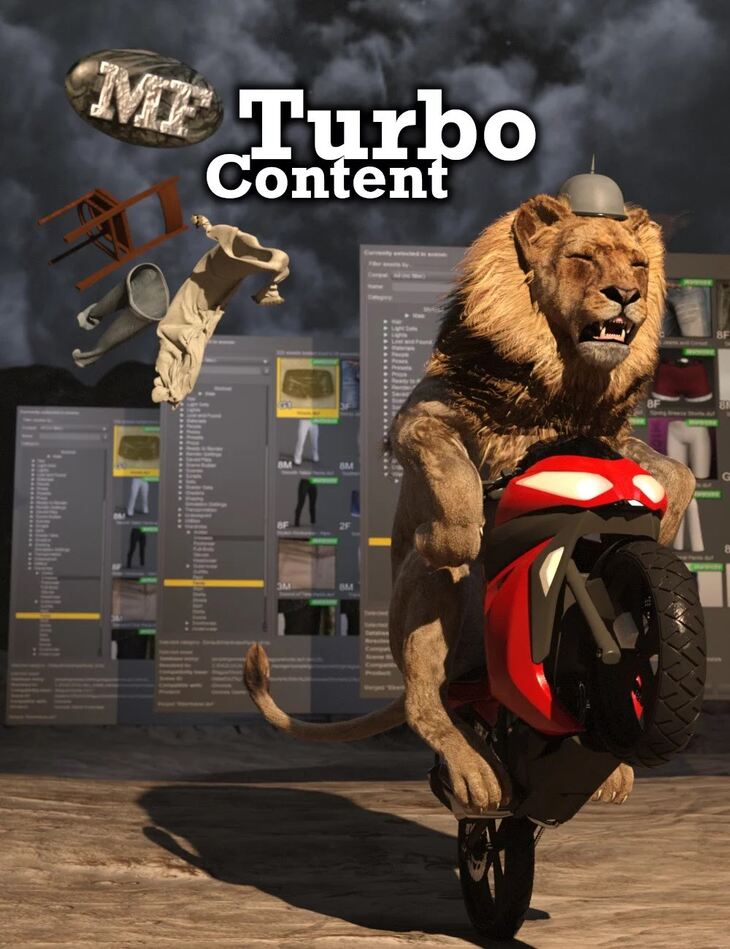
ManFriday released Turbo Content on Daz 3D. It contains 25 files; the list begins with Turbo Content: New “Content” menu in the Daz Studio menu bar to launch dialogs for the following content types: Figures (female), Figures (male), Wardrobe (female).
Turbo Content is a plugin for Daz Studio 4.10 and 4.11 that provides a new, much faster way of looking at your content library. You will get a new “Content” menu in your Daz Studio menu bar with items for figures (female and male), wardrobe (female and male), hair, materials and poses. Each of the “Content” menu items opens a new dialog window. You can keep several of them open at the same time. Each dialog also remember its state when you close and re-open it. This significantly speeds up finding your items to build your scenes. The plugin displays your content with bigger high-resolution icons and huge fly-over tooltips. In the icons, it displays compatibility information at a glance for figures, wardrobe and hair. No more looking at the small print to find compatible items! As an example, to add a Genesis 8 Female with a piece of hair and a dress, each step requires only 4 clicks any more: After you press the “Merge” button to load a piece of wardrobe or hair into the scene, an “Undo merge” button allows you to quickly remove that piece again, allowing you to try out many pieces in sequence without having to search in the Scene tree. The plugin can also repair broken database references if an asset (DUF) file on disk has been moved or renamed and the database now points to an outdated file name. Note: The plugin is for Windows 64 bits only. A 32-bit version for Windows and a Mac version may be added at a later time. Please read the included .PDF user guide for full information on using the product Product is not currently compatible with content installed through Daz Connect.
What’s included
- Turbo Content: New “Content” menu in the Daz Studio menu bar to launch dialogs for the following content types: Figures (female)
- Figures (male)
- Wardrobe (female)
- Wardobe (male)
- Hair
- Materials
- Poses
- Each dialog has these controls: Compatibility mode All (no filter)
- Follow scene selection (“Filter by context”)
- Female Genesis figures (G8F, G3F, G2F, Gen)
- Male Genesis figures (G8M, G3M, G2M, Gen)
- Filter by name (search box)
- Filter by category
- List of assets
- Close and merge buttons
- “Undo last merge” button
- Features of assets list: Larger icons than Content Library and Smart Content
- Huge fly-over tooltips
- Compatibility overlays in icons for V4, M4, Genesis 1, Gen 2/3/7 Female / Male
- Context menu
- Context menu items for working assets: “Open as new”, “Merge into scene” context menu item
- “Show asset in Content Library”
- “Browse to file location (Windows Explorer)”
- “Inspect uncompressed file in text editor”
- Context menu items for broken references: “Repair broken reference” function
Specifications
- Source: Daz 3D
- Software / install: Daz Connect DIM Manual Install
- SKU: 62619
- Artist: ManFriday
The file is mirrored on 6 hosting services; a free account is required to download.